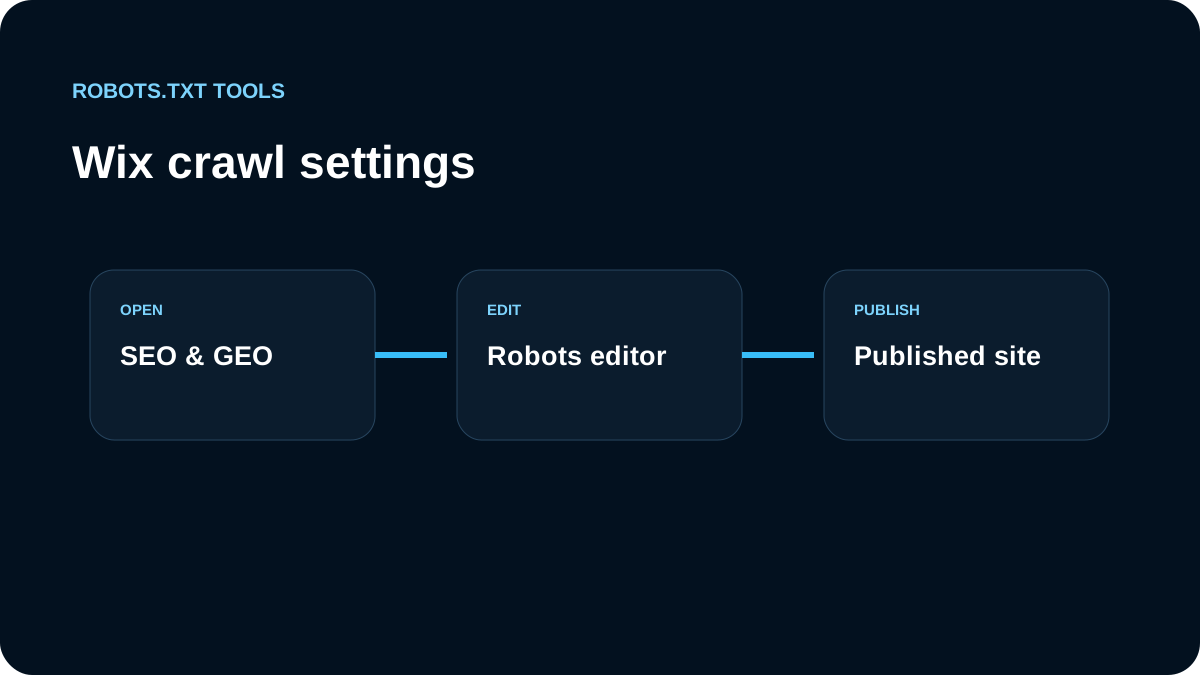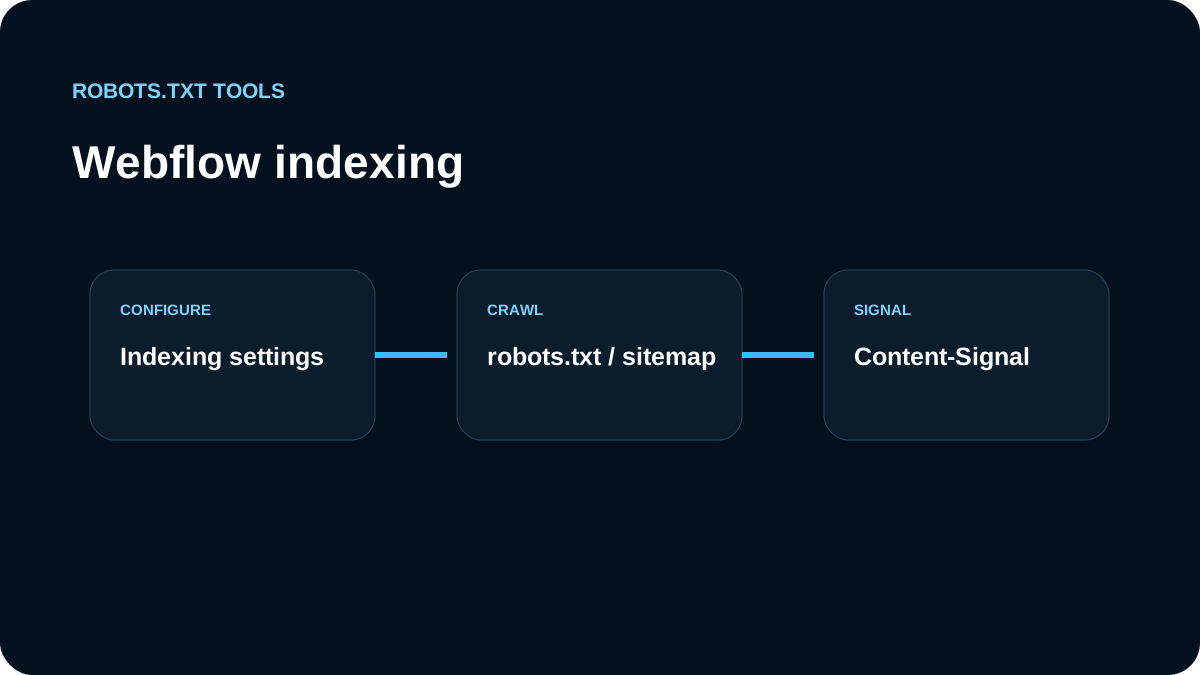
In Webflow, we treat robots.txt as part of the publishing workflow. The relevant controls live under Site settings → SEO → Indexing, but only the published response matters to crawlers.
We inspect production before editing
We open https://example.com/robots.txt and compare it with Webflow settings. We look for broad Disallow rules, a sitemap reference using the wrong domain, and duplicate Sitemap: lines.
We check the automatic sitemap behavior
Webflow normally adds the site sitemap reference. Before adding another line manually, we verify whether it is already present. In reverse-proxy or multi-site architectures, Webflow also documents options for removing the automatic sitemap reference so a different root-domain sitemap can be used; plan and architecture requirements still need to be checked.
Save is not enough: we publish
Our sequence is edit → save → publish → fetch /robots.txt from the production domain. If the public response is still old, we investigate publishing, domain routing, and cache before rewriting the rules again.
Content-Signal is a separate mechanism
Webflow exposes a Content-Signal HTTP header for AI content-usage preferences. We keep that concept separate from robots.txt. A crawler-access decision and a provider/content-usage preference are not the same control and should not be mixed in one policy model.
Webflow's Content-Signal is not a robots.txt standard
Webflow currently documents a Content-Signal response header with values such as:
Content-Signal: ai-train=no, search=yes, ai-input=no
Webflow also notes that this mechanism is based on a proposed extension to RFC 9309 and is not an accepted standard. That is an important boundary: we do not describe Content-Signal as a replacement for robots.txt or as a universally honored AI opt-out.
Our policy model therefore records two separate questions:
- May this crawler fetch the URL? → robots.txt / access control.
- How does the publisher request content be used? → Content-Signal or provider-specific controls, where supported.
Sitemap behavior deserves a duplicate check
Webflow says it adds the site's sitemap link to robots.txt by default and also offers a setting to remove that automatic line. Before adding a manual Sitemap: directive, we inspect the generated file. Duplicate references are usually harmless, but they create maintenance noise and can expose an old hostname during domain changes.
For reverse-proxy or multi-site architectures, we verify which layer owns the public root-domain /robots.txt and /sitemap.xml. A Webflow setting is only authoritative when Webflow actually serves the crawler-facing response.
Publishing is part of the configuration
A saved change that has not been published is not live crawler policy. We record the publish target, fetch the custom domain after publishing, and compare the response with the intended rule set. If a Webflow staging subdomain and the custom production domain are both public, we review them as separate origins.
We test bot-specific groups carefully
User-agent: Googlebot
Allow: /

User-agent: *
Disallow: /
A configuration like this can block many legitimate crawlers. We validate it and test representative URLs with the robots.txt tester before release.
Private previews still need access control
Robots.txt is public. Confidential Webflow previews need authentication or another real access-control layer. If a public page should stay out of search, we review page indexing/noindex controls rather than assuming a crawl block is equivalent.
We separate three publishing surfaces
In a typical Webflow project, crawl behavior can be influenced by the robots.txt editor, the generated sitemap setting, and page-level indexing choices. Content-Signal adds a fourth, separate response-level preference for supported AI use cases. We review these together before launch so that one control does not contradict another.
For domain migrations, we pay particular attention to sitemap hostnames and the custom domain that actually serves /robots.txt. Publishing to the Webflow staging domain does not prove the custom production domain is returning the same crawler policy. Our final check always targets the public hostname users and search engines are expected to use.
Our Webflow release checklist
- open the production file;
- review SEO → Indexing;
- save and publish;
- avoid duplicate sitemap references;
- verify the canonical domain;
- test crawler-specific groups;
- keep Content-Signal separate from robots.txt;
- protect private previews with real access control;
- inspect the live file with the checker.
We change only rules we can justify and always verify the response Webflow actually publishes.