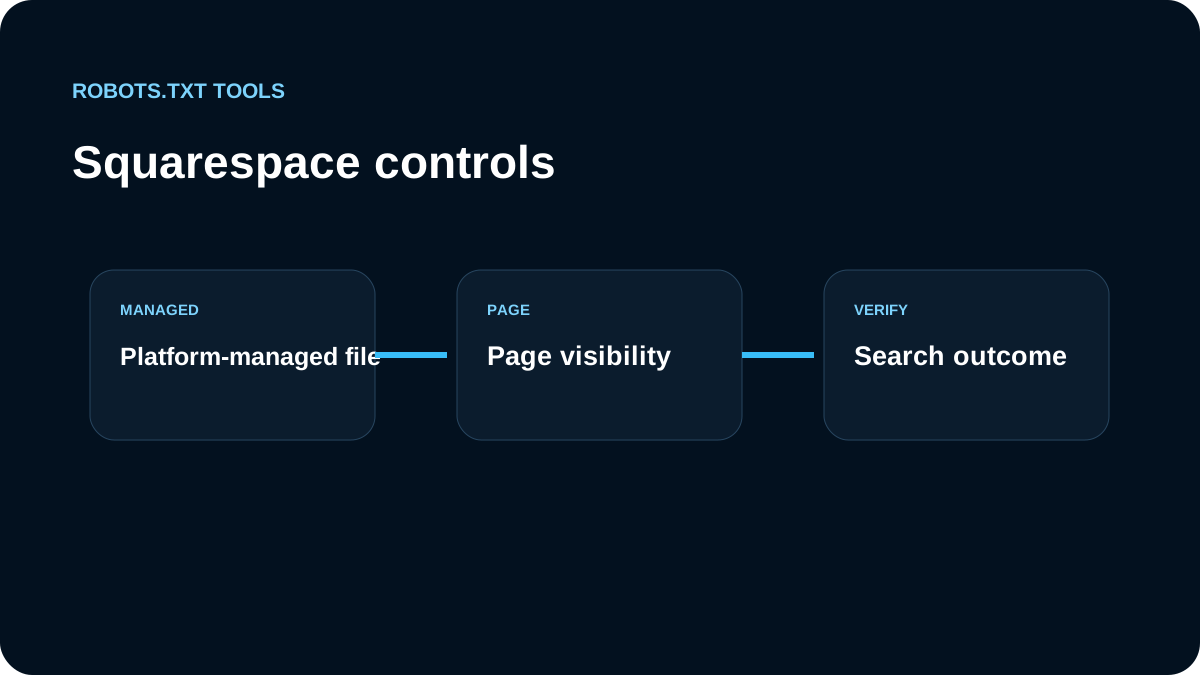
Squarespace is different from a server where we freely maintain a raw robots.txt file. We treat the platform as the owner of the generated policy and use the controls Squarespace actually exposes.
We inspect expected platform exclusions
Squarespace can include platform-managed exclusions such as /search. We do not assume every disallowed path is an SEO mistake. First we identify whether the line is a normal platform behavior or a setting we changed.
Crawlers settings control broad search access
Current Squarespace settings include Crawlers controls for hiding a site from search crawlers. We use those settings deliberately and confirm what they change on the public site rather than inventing unsupported raw-file edits.
Page-level noindex handles individual pages
If one public page should stay out of search, we use the relevant page-level indexing/noindex option. This is more precise than trying to block an entire path through a platform-managed robots file.
Search crawler and AI crawler controls are now separate
Squarespace currently exposes separate Crawlers settings for search engines and known AI crawlers. Blocking search-engine crawlers adds a broad Disallow: / request for search crawling. For individual public pages, Squarespace recommends page-level noindex instead of trying to hand-edit the platform robots file.
Squarespace also has a Block known artificial intelligence crawlers setting. Its current documentation lists multiple AI-related user agents and warns that blocking them is still a request, not a guarantee. We treat this as a platform-managed policy switch, not as proof that every future AI crawler is covered.
This distinction is useful because a site may want one of several policies:
| Goal | Squarespace control |
|---|---|
| Keep normal search visibility | Leave search crawlers unblocked |
| Hide one public page from search | Page-level noindex |
| Request that known AI crawlers not scan | AI crawler setting |
| Protect private content | Password / access control |
Platform-managed exclusions are not necessarily errors
Squarespace documents normal robots exclusions for paths and parameter patterns such as /search and several author/tag/month/view query variants. When Search Console reports one of these as blocked, we first compare it with the platform's documented defaults. Removing a normal duplicate-content exclusion is not automatically an SEO improvement.
For collection pages, we also account for Squarespace's page-level indexing behavior: applying noindex at a collection level can affect its collection items. That is a different decision from robots.txt and deserves a content-level review before changing visibility.
The sitemap is automatic
Squarespace creates a sitemap automatically. We open it directly, check that it reflects the intended public site, and avoid treating it as a manually edited XML inventory. The fact that the sitemap is automatic does not remove the need to verify canonical and indexable URLs.
We treat generated robots.txt as platform output, not editable source
Squarespace users cannot manage the robots file like a normal server file. That changes the debugging workflow: if an unexpected rule appears, we trace it back to the Crawlers setting, page visibility, collection behavior, or another supported platform control instead of searching for a file to upload.
For AI crawler blocking, we also revisit the platform list periodically. Squarespace says it may add more known bots over time, so a saved screenshot of today's list is not a permanent inventory. Our verification step is the live robots response plus the current Squarespace documentation, especially when AI visibility is part of the site's acquisition strategy.
We avoid fighting the platform
A common failure pattern is following a generic robots.txt tutorial that assumes unrestricted file-system access. On Squarespace, we instead ask which setting expresses the requirement: whole-site crawler visibility, page-level noindex, password protection, or normal platform defaults.
We verify the live behavior
We open /robots.txt, inspect /sitemap.xml, and test representative URLs. Our robots.txt checker helps confirm the delivered policy, while the tester helps explain whether a specific URL is allowed for a crawler.
Our Squarespace checklist
- inspect the generated robots.txt before changing settings;
- recognize expected
/searchhandling; - use Crawlers settings for broad site-level search visibility;
- use noindex/page settings for individual pages;
- rely on real password/access controls for private content;
- verify the automatic sitemap;
- recheck production after publishing.
The safest Squarespace strategy is to work through supported platform controls and verify their output instead of trying to force a raw-file workflow the platform does not expose.