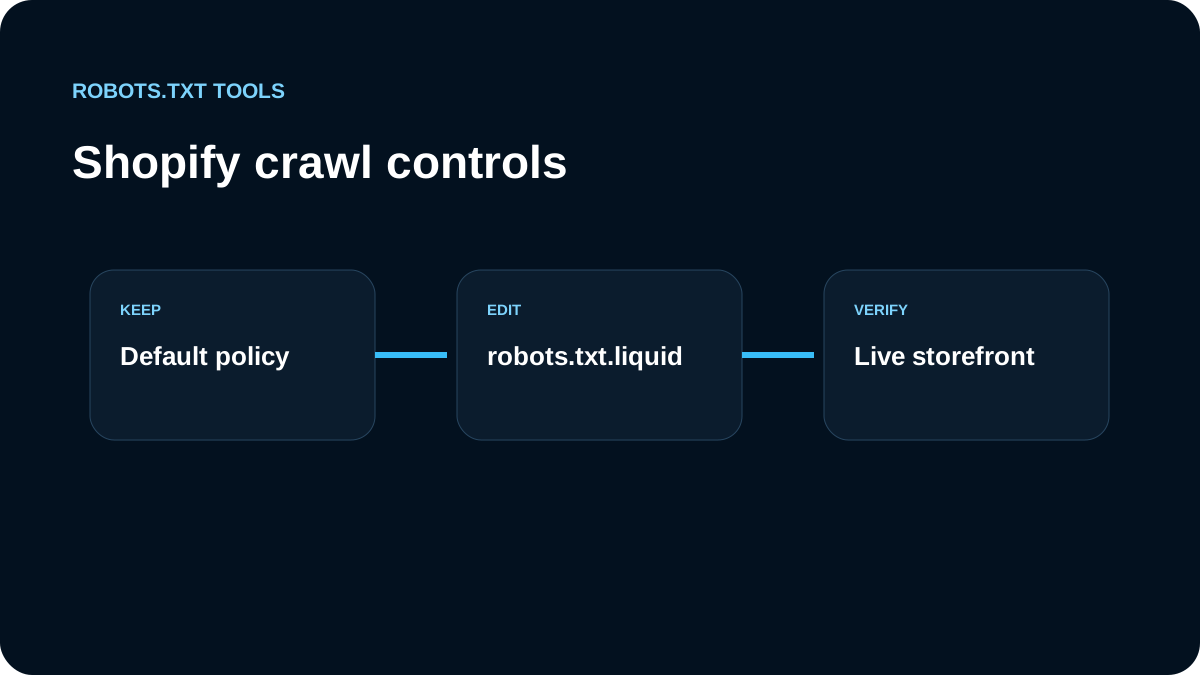
Shopify already generates a robots.txt file for every store, and Shopify's current documentation says the default file is designed to be SEO-friendly for most stores. That makes Shopify different from a blank custom server where you start from an empty file: the safest default is usually to understand the generated policy first and customize only when you have a specific reason.
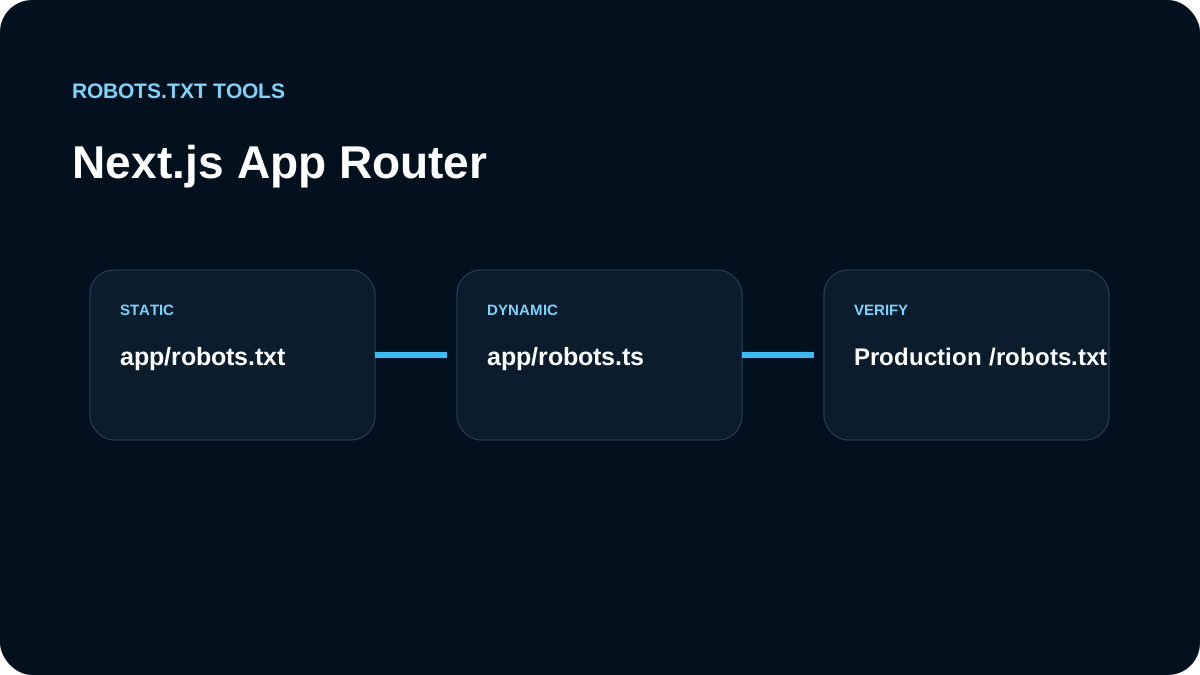
Shopify supports advanced changes through a robots.txt.liquid template. That flexibility is powerful, but Shopify also warns that incorrect customization can cause major traffic loss. Treat the file as production infrastructure, not as a checklist item that must be edited for every store.
Where Shopify robots.txt lives
For the primary store domain, the file is available at the root:
https://example.com/robots.txt
A crawler fetches this file before applying rules to URLs on that origin. The file is not a page inside your theme navigation and it should not be moved to a subdirectory.
Before making any change, open the live file and save a copy. That gives you a baseline for comparing Shopify's generated rules with your proposed customization.
What Shopify blocks by default
Shopify's help documentation lists examples of paths its default rules may restrict, including administrative, cart, checkout, internal search, policy, and certain filtered collection URLs. The purpose is generally to keep crawlers focused on useful public storefront content instead of transactional, duplicate, or low-value URLs.
Do not copy a generic robots.txt from another Shopify store. Apps, market configuration, domain setup, theme behavior, and Shopify's own defaults can change. Start from the file generated for your store.
When should you create robots.txt.liquid?
A customization is justified when you have a concrete crawl-control requirement that the default file does not address. Examples can include:
- allowing a path that a custom workflow needs crawled;
- disallowing a new application-generated crawl space;
- adding an additional sitemap URL;
- creating a crawler-specific rule supported by the crawler operator;
- managing selected AI crawler access.
It is not a good reason to edit the file simply because an SEO audit says “robots.txt exists” or because a competitor has a longer file.
Shopify describes robots.txt.liquid customization as an advanced, unsupported customization and recommends expertise when changing it. The risk is real: a broad rule can block product, collection, or content discovery across the store.
Preserve Shopify's maintainable defaults
Shopify recommends using Liquid to add or remove directives in a way that preserves the platform's ability to keep default rules updated. Replacing the entire generated file with static plain text can freeze a policy that becomes outdated as Shopify changes its platform behavior.
That means a customization strategy should be minimal. Document why each override exists and periodically compare it with Shopify's current generated policy.
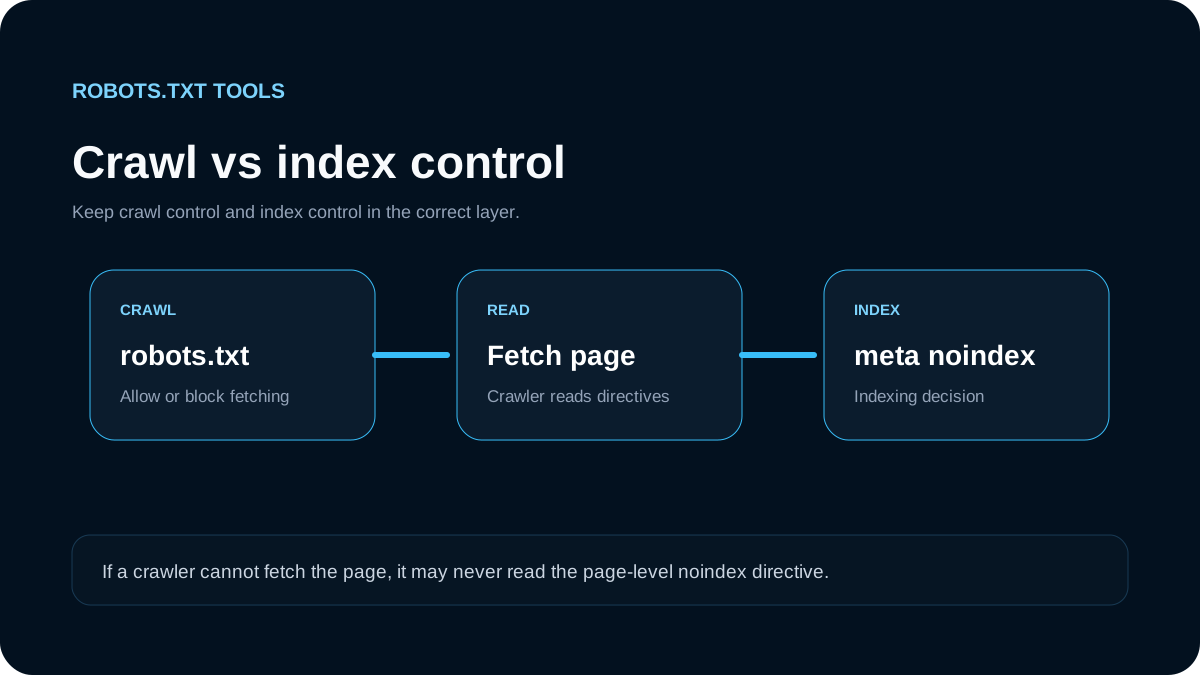
Robots.txt is about crawling, not guaranteed deindexing
Shopify explicitly distinguishes crawling from indexing. A page can be discovered and indexed through signals other than a direct crawl. This is why Search Console can report an “Indexed, though blocked by robots.txt” state.
If a public page must not appear in search results, blocking it in robots.txt is not a reliable replacement for an indexing control. For pages where you can safely allow crawling, use the appropriate noindex mechanism instead. For private information, use authentication.
Do not remove a default Shopify block merely to make an “indexed though blocked” message disappear unless you understand why that URL is blocked and whether it should actually be crawlable.
Shopify sitemap handling
Shopify automatically provides sitemap infrastructure for stores. A robots.txt file can include Sitemap lines, but adding duplicate sitemap declarations does not create extra SEO value.
If you add a sitemap reference, use a fully qualified URL:
Sitemap: https://example.com/sitemap.xml
Make sure the sitemap itself contains canonical, indexable storefront URLs rather than cart, account, search, or parameter-heavy duplicates.
AI crawler controls on Shopify
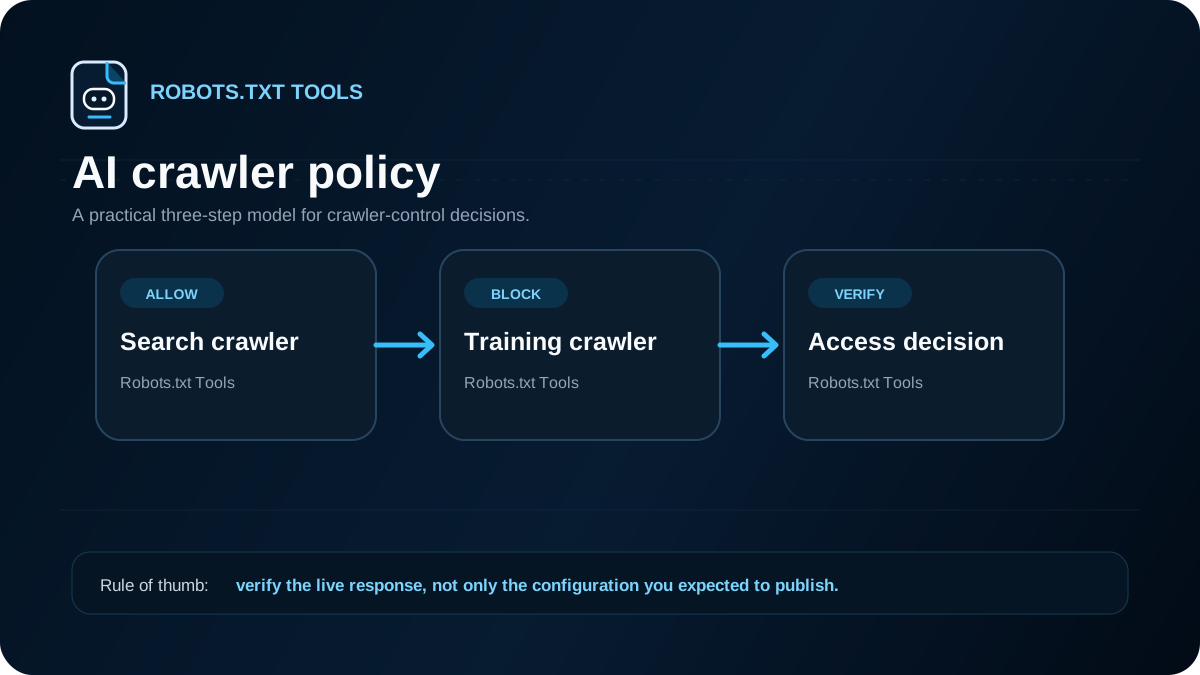
Shopify's current help documentation includes guidance for controlling AI crawler access. It explains that open-web crawler access can be influenced through robots.txt rules, while Shopify Catalog and agentic storefront integrations are a separate layer. In other words, blocking an AI crawler in /robots.txt does not necessarily disable product-data sharing through a Shopify channel you explicitly enabled.
That distinction is important. Decide whether you are trying to control:
- open-web crawling of storefront pages;
- search discovery;
- a provider-specific training crawler;
- Shopify channel/catalog distribution.
Those are not interchangeable controls.
For example, a store might choose a crawler-specific group:
User-agent: ExampleBot
Disallow: /
but should only use a real user-agent token after verifying it in the provider's current documentation. Avoid copying large stale AI-bot lists without knowing what each crawler does.
Be careful with collection filters and search URLs
Ecommerce sites can generate many URL combinations. Shopify's defaults intentionally manage some search and collection patterns because duplicate or low-value combinations can create crawl waste.
Before overriding a rule around collections or search, map examples of:
- canonical collection pages;
- filtered collection URLs;
- internal search results;
- product URLs with tracking parameters;
- alternate market or locale URLs;
- app-generated routes.
Then decide which URLs should be crawlable and indexable. A broad “Allow everything” override can expose an enormous URL space.
Do not block essential rendering resources blindly
If an asset is required for a crawler to understand a public product or content page, blocking the asset may make rendering or quality assessment harder. Avoid generic rules copied from old SEO templates that block all JavaScript, CSS, or application assets by extension.
Modern search crawling depends on understanding rendered pages. Only restrict resources when you know why they do not need to be fetched.
A safe Shopify robots.txt workflow
Use this sequence before publishing a customization:
- Capture the current live file. Save Shopify's generated robots.txt as the baseline.
- Write the goal in one sentence. For example: “stop crawling app-generated preview URLs.”
- Identify representative URLs. Include URLs that should be blocked and URLs that must remain allowed.
- Make the smallest possible Liquid customization. Avoid replacing unrelated defaults.
- Validate the resulting robots.txt. Check groups, directives, encoding, and sitemap lines.
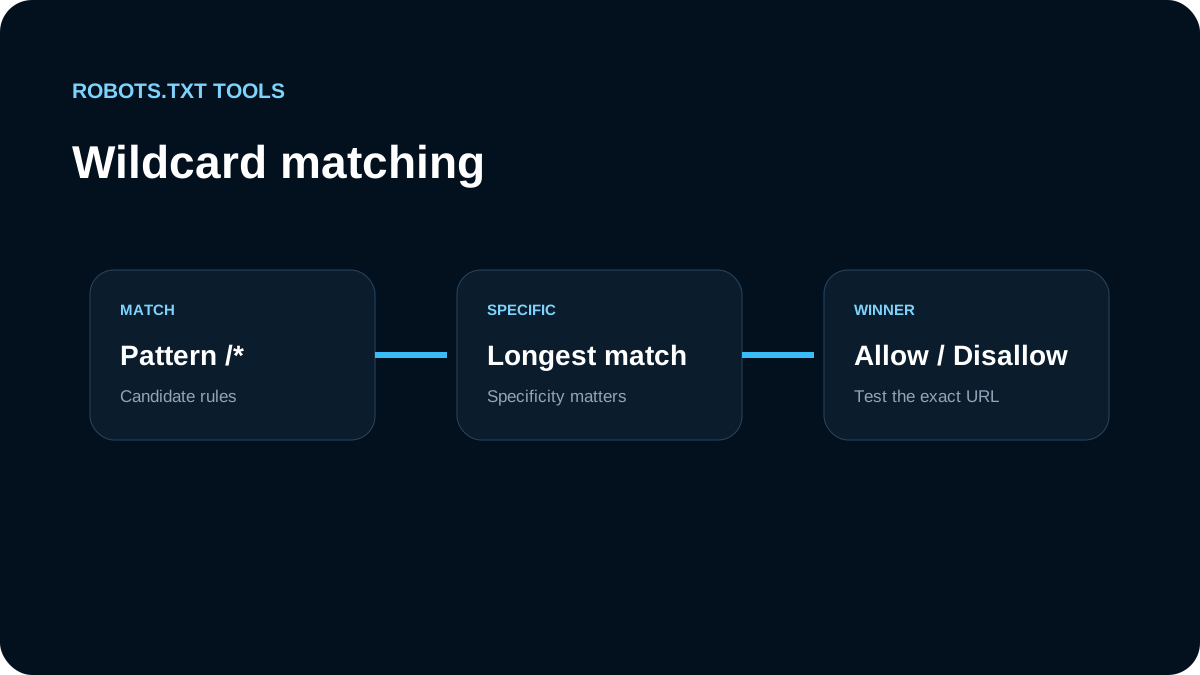
- Test representative URLs. Confirm which rule wins for the intended crawler.
- Publish carefully. Re-fetch the live
/robots.txtafter the theme change. - Monitor Search Console and logs. Watch for unexpected crawl or indexing changes.
- Re-review after Shopify platform changes. Customizations can outlive the reason they were created.
Common Shopify robots.txt mistakes
Replacing the entire file with a generic template
This can discard Shopify defaults that exist for platform-specific reasons and makes future maintenance harder.
Blocking product or collection URLs globally
A rule such as Disallow: /products/ or Disallow: /collections/ can remove crawl access to major revenue-driving areas of the site.
Trying to fix indexing with only Disallow
If the real goal is deindexing a public URL, robots.txt alone can produce confusing “indexed though blocked” behavior.
Treating every AI control as the same setting
Open-web crawler access and Shopify's own catalog/channel distribution are separate systems. Configure the layer that matches the outcome you actually want.
Forgetting to test the live generated output
robots.txt.liquid is a template. What matters to crawlers is the final text served at /robots.txt, not the Liquid source in your theme editor.
Should most Shopify stores edit robots.txt?
Usually, no. Shopify says its default file is optimized for most stores. Customization should be driven by a documented crawl problem or business policy, not by the assumption that a longer robots.txt is more advanced.
When a change is necessary, preserve the platform defaults where possible, keep the override small, test the generated result, and monitor the live store after deployment. That approach gives you the control of robots.txt.liquid without turning a platform-maintained SEO file into a permanent maintenance risk.