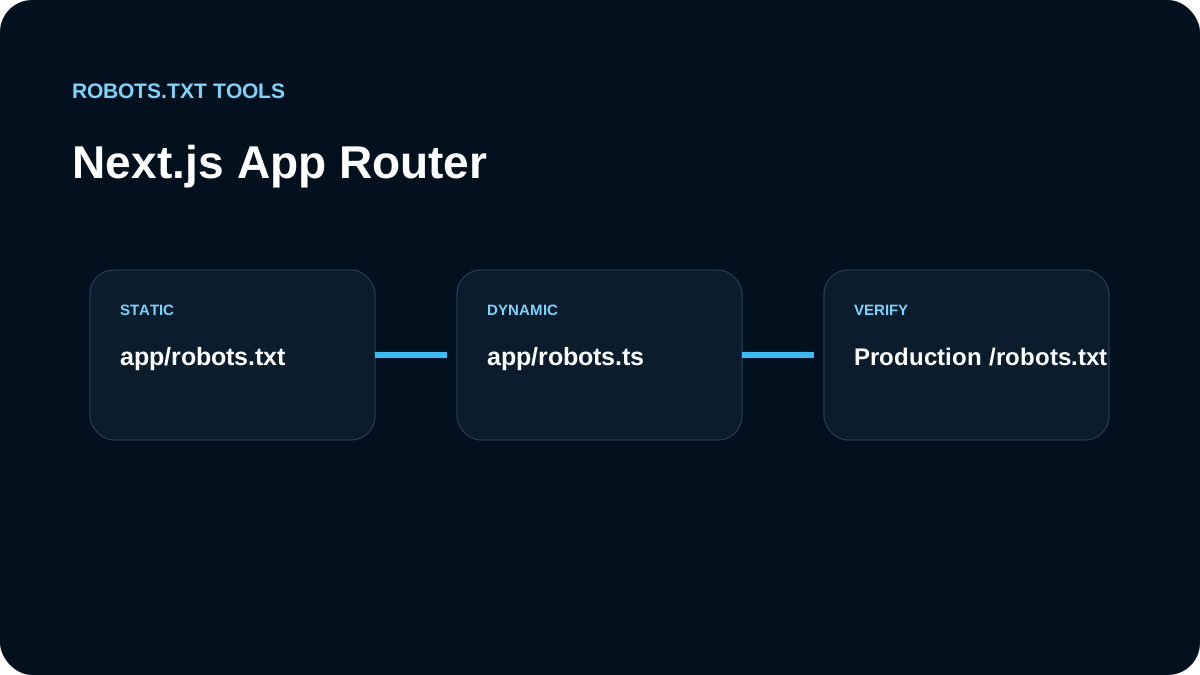
With the Next.js App Router, we choose between a static app/robots.txt file and a generated app/robots.ts or app/robots.js metadata route. We make that choice based on whether the policy is truly static or depends on deployment configuration.
Static policy: app/robots.txt
For a small site with one stable policy, a plain file is easy to audit:
User-agent: *
Allow: /
Sitemap: https://example.com/sitemap.xml
The advantage is predictability. There is very little runtime logic to fail.
Generated policy: app/robots.ts
When environment-aware output is justified, Next.js supports MetadataRoute.Robots:
import type { MetadataRoute } from 'next'

export default function robots(): MetadataRoute.Robots {
  return {
    rules: { userAgent: '*', allow: '/' },
    sitemap: 'https://example.com/sitemap.xml',
  }
}
We keep the function small. Robots.txt is a poor place for complex business logic or remote dependencies.
We understand cache and dynamic behavior
Generated metadata routes can be cached depending on how they are implemented. If output depends on request-time state or deployment configuration, we verify the current Next.js behavior instead of assuming a code edit immediately changes the public response.
Current App Router behavior we account for
Next.js currently documents app/robots.txt for a static file and app/robots.ts / app/robots.js for generated output. A generated metadata file returns a MetadataRoute.Robots object and can define one or multiple crawler rule groups plus one or multiple sitemap URLs.
Next.js also documents that robots.js is a special Route Handler that is cached by default unless it uses a Dynamic API or dynamic configuration. That matters when teams expect a runtime environment variable or deployment switch to change robots.txt immediately. We verify the framework version and rendered production response rather than assuming every route is dynamically recomputed.
Static versus generated: our decision rule
We choose static when the content is the same on every production deployment:
User-agent: *
Allow: /
Sitemap: https://example.com/sitemap.xml
We choose generated output only when the policy genuinely depends on code, such as multiple crawler groups or a controlled environment-aware hostname. Even then, we keep external API calls out of the robots route. A crawler-control file should not fail because a remote configuration service is slow.
Common Next.js failure modes
The issues we test most often are:
- a preview hostname leaking into the
Sitemap:value; - a middleware/proxy matcher intercepting
/robots.txt; - duplicate static and generated metadata conventions competing for ownership;
- cached generated output after a policy change;
- a staging
Disallow: /branch accidentally selected in production.
For projects using proxy.ts or middleware, we verify that metadata files are excluded when required by the routing setup. The release check is always the public response, not only the TypeScript return value.
We protect previews outside robots.txt
Vercel preview or staging hosts should not rely only on Disallow: /. Private previews need authentication or access controls. For public previews that must not appear in search, we also review noindex behavior.
We keep sitemap hostnames production-safe
A generated route can accidentally emit a preview domain if the base URL comes from the wrong environment variable. We inspect the final Sitemap: URL and canonical production hostname after every deployment.
We verify the built response
We do not stop at TypeScript correctness. We open /robots.txt on the deployed host, inspect the response, run the validator, and test representative URLs with the tester. If output differs from the code, we diagnose routing, cache, environment variables, and deployment ownership.
We test the route like any other production endpoint
For generated robots output, we include /robots.txt in deployment smoke tests. We check status, content type, body, sitemap hostname, and at least one representative crawler rule. That catches configuration regressions earlier than waiting for Search Console.
We also keep robots generation deterministic. Environment variables should resolve to known production values, and missing critical values should fail safely during build or deployment rather than silently emitting a preview URL. If the route depends on runtime logic, we document why that complexity exists and what cache behavior we expect from the current Next.js version.
Our Next.js checklist
- choose
app/robots.txtfor a genuinely static policy; - use
app/robots.tsorapp/robots.jsonly when generation adds value; - type generated output with
MetadataRoute.Robots; - keep sitemap URLs absolute and production-canonical;
- understand cache/dynamic behavior;
- protect preview environments with real access control;
- verify the public file after deployment.
The best Next.js robots implementation is usually the least dynamic version that still matches the deployment architecture.