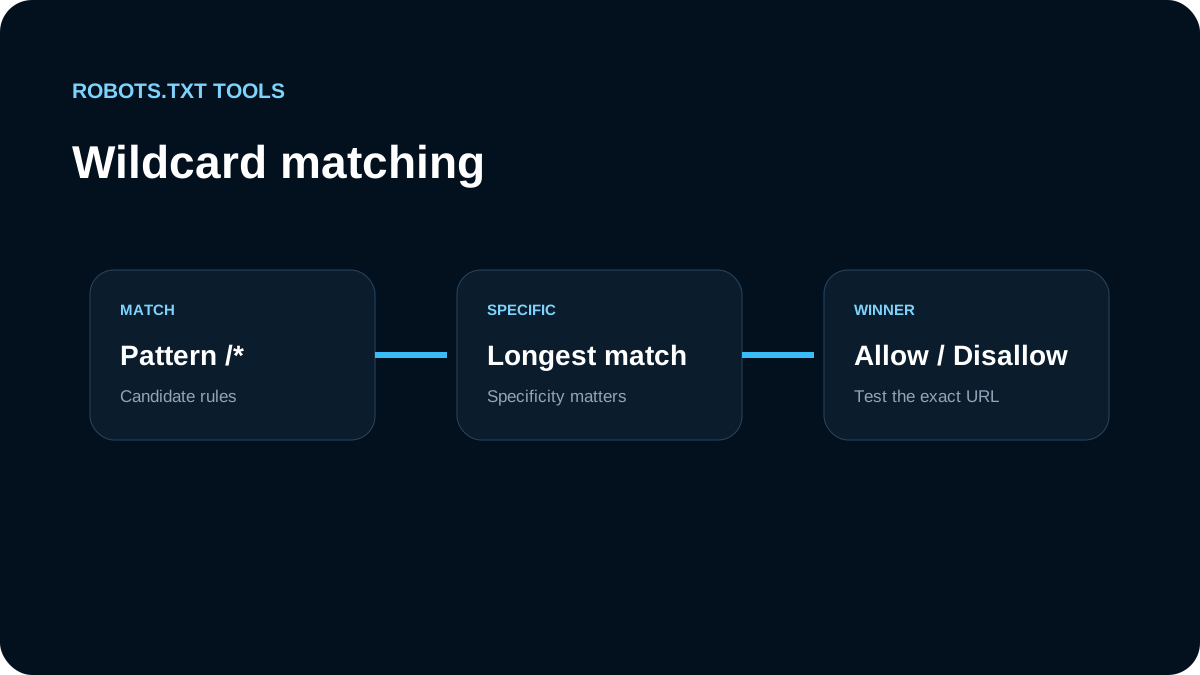
Robots.txt rule matching is not simply “the last line wins.” For standards-based matching, the crawler compares applicable Allow and Disallow paths and uses the most specific match. RFC 9309 defines the most specific rule as the matching path with the greatest number of octets, and says an equivalent Allow and Disallow should prefer Allow.
Google documents the same practical idea for its crawlers and also supports a limited wildcard syntax in rule paths. Understanding those two pieces—wildcards and longest-match precedence—prevents many accidental blocks.
The two wildcard characters to know
Google documents two special characters in path rules:
*matches zero or more valid characters;$marks the end of the URL.
The rest of the path is matched against the URL path and is case-sensitive.
For example:
User-agent: *
Disallow: /*.pdf$
This targets URLs whose path ends in .pdf. It does not match a path where .pdf is followed by another path segment or query material that changes the end match.
By comparison:
User-agent: *
Disallow: /*.pdf
is broader because there is no end anchor.
A trailing * is often unnecessary
These two rules are effectively equivalent for Google:
Disallow: /private
and:
Disallow: /private*
Both start matching from /private. A trailing wildcard does not make the first rule “more recursive.” Robots.txt path matching already works from the start of the path pattern.
This is why /fish can match /fish, /fish.html, and /fish/salmon.html in Google's documented examples. If you only mean a directory, be explicit:
Disallow: /fish/
That distinguishes the directory-style path from /fish.html.
$ is useful when the ending matters
Suppose you want to block .php URLs but not a URL that merely contains .php in the middle. An end anchor makes that intent clearer:
User-agent: *
Disallow: /*.php$
Google documents that an end-anchored .php pattern matches a path ending in .php, while a broader /*.php can also match paths where .php is followed by more characters.
Use $ only when you truly care about the end of the URL pattern. Adding it mechanically can make a rule much narrower than intended.
Longest match beats visual order
Consider this file:
User-agent: *
Disallow: /products/
Allow: /products/public/
For /products/public/widget, both rules begin to match, but /products/public/ is more specific. The Allow rule therefore wins for that URL under longest-match behavior.
Reversing the lines should not be used as a strategy to change the result:
User-agent: *
Allow: /products/public/
Disallow: /products/
The specific path is still the important signal. Robots.txt is not a CSS cascade where a later rule automatically overrides an earlier one.
What happens when Allow and Disallow are equally specific?
RFC 9309 says that when equivalent Allow and Disallow rules match, the Allow rule should be used. Google likewise documents least-restrictive handling for equally specific conflicting rules.
Avoid relying on ties when you can express the policy more clearly, but knowing the behavior is useful when auditing generated files.
Case sensitivity can change the result
Rule field names such as User-agent and Disallow are case-insensitive, but path values are case-sensitive in Google's documented matching behavior.
So:
Disallow: /Admin/
is not the same path pattern as:
Disallow: /admin/
If your application serves both variants, test both. If it redirects one to the other, consider the final URL architecture as well as the robots rule.
Query strings are part of practical URL matching
Wildcard rules are often used to reduce crawling of parameterized URLs:
User-agent: *
Disallow: /*?sort=
But parameter control can become fragile when URLs contain multiple parameters in different orders. A rule designed for ?sort= may not behave the way you expect when the same parameter appears after another parameter.
For ecommerce and faceted navigation, first simplify the URL architecture and internal linking where possible. Use robots.txt as one crawl-control layer rather than the only defense against an unlimited parameter space.
Directory rules are usually easier to maintain than clever wildcards
A simple rule is often safer:
Disallow: /internal-search/
than a dense collection of wildcard expressions that only one engineer understands. Prefer the smallest rule set that maps cleanly to stable application paths.
Wildcards are most valuable when there is a real pattern that cannot be represented as a directory or prefix rule, such as a file extension or a consistent parameter shape.
Test the URL, not just the rule text
For each important rule, create a short test set containing URLs that should be allowed and URLs that should be blocked. For example:
User-agent: *
Disallow: /reports/
Allow: /reports/public/
Disallow: /*.csv$
Test at least:
/reports/private/quarterly/reports/public/overview/downloads/data.csv/downloads/data.csv?preview=1/REPORTS/private/quarterly
This catches assumptions about prefixes, case sensitivity, end anchors, and overlapping rules before deployment.
Common wildcard mistakes
Blocking more than intended
Disallow: /search
may match more paths than a team expected if the application has URLs beginning with the same prefix. Use a trailing slash or a more specific pattern when the intent is a directory.
Adding * everywhere
Disallow: /admin/*
is often no more useful than:
Disallow: /admin/
Extra wildcard syntax makes reviews harder without necessarily changing behavior.
Assuming a broad rule cannot be reopened
A more specific Allow can create an exception inside a broader disallowed path when the crawler supports the standard matching behavior.
Forgetting crawler groups
A perfect path rule in the wrong user-agent group will not apply to the crawler you meant to control. Validate group selection before debugging path precedence.
Recommended workflow
When authoring complex rules:
- write the intended policy in plain language;
- choose the smallest prefix rule that expresses it;
- add
*or$only when the pattern requires them; - list positive and negative test URLs;
- validate the file syntax;
- run each URL against the intended user agent;
- check the live
/robots.txtafter deployment; - review access logs to confirm real crawler behavior.
The main lesson is simple: specificity matters more than line order. Use wildcards sparingly, use $ when the URL ending matters, and test real URLs whenever multiple rules can match the same path.