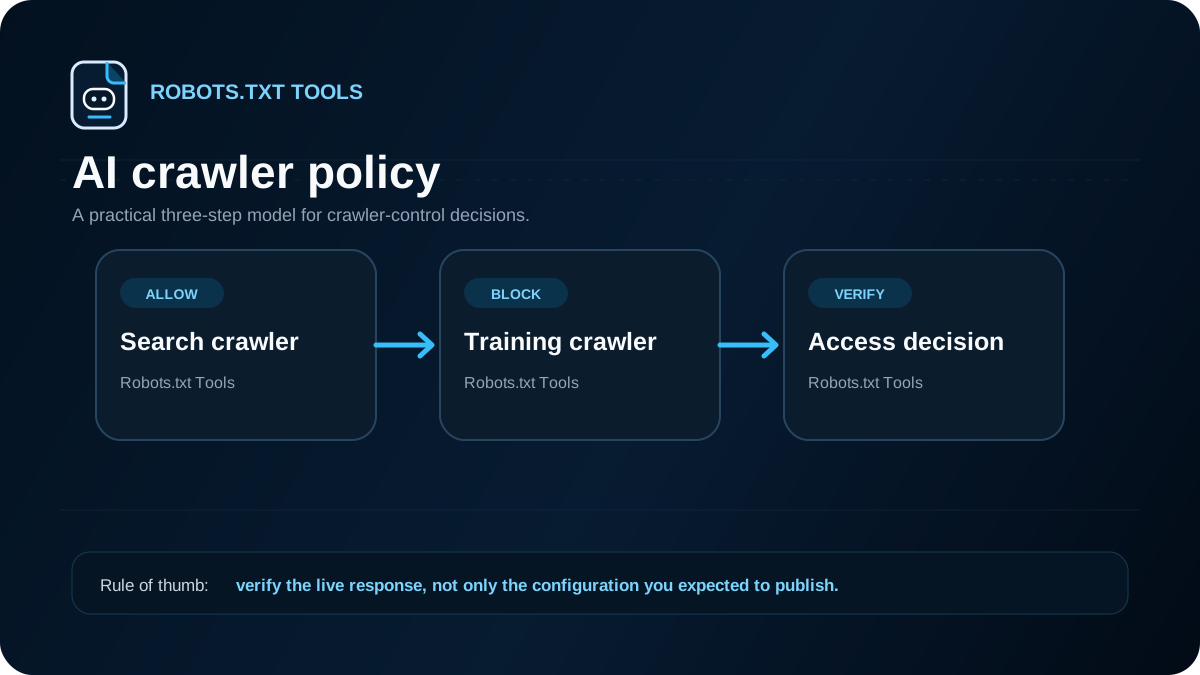
AI crawler controls are easiest to manage when you separate three questions that are often mixed together: may a bot crawl this URL, may the URL appear in a search or answer experience, and may content be used for a provider-specific training purpose? A single blanket Disallow rule is rarely a good substitute for answering those questions deliberately.
For OpenAI specifically, current publisher guidance distinguishes OAI-SearchBot from GPTBot. OpenAI says publishers who want content to be discoverable and included in summaries or snippets in ChatGPT search should not block OAI-SearchBot. The same guidance says publishers can disallow GPTBot on sites or pages they want to exclude from potential training. Those are different controls with different goals, so treating every AI-related user agent as one category can create unintended results.
Current crawler taxonomy — verified October 1, 2026
Provider names matter because not every AI-related request has the same purpose or the same robots.txt behavior.
- OpenAI:
OAI-SearchBotis the automatic crawler for ChatGPT search visibility;GPTBotis the model-development/training crawler.ChatGPT-Useris used for certain user-triggered page visits and OpenAI says robots.txt rules may not apply to those requests, so it should not be treated as another automatic search crawler.OAI-AdsBotis limited to landing pages submitted as ChatGPT ads and OpenAI says its collected data is not used to train generative AI foundation models. - Anthropic:
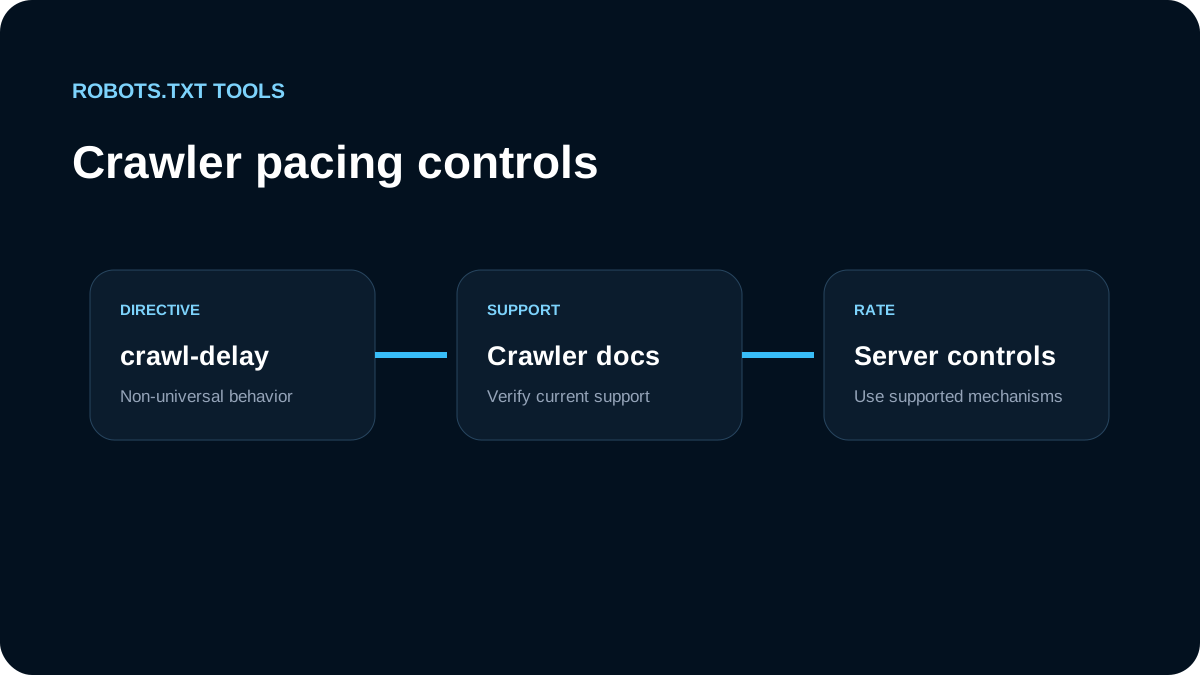
ClaudeBotis for potential model-training data collection,Claude-SearchBotsupports search-result quality, andClaude-Userhandles user-initiated retrieval. Anthropic says its bots honor robots.txt and documents support for the non-standardCrawl-delayextension. - Google:
Google-Extendedis a robots.txt product token for Gemini training and grounding controls and does not affect Google Search inclusion or ranking.Google-CloudVertexBotis different: it covers crawls requested by site owners when building Vertex AI Agents. - Perplexity: the current help-center robots.txt guidance identifies
PerplexityBotas its search-index crawler. Perplexity says blocking it prevents full or partial page text from being indexed, although domain, headline and a short factual summary may still be retained.
The practical lesson is to classify a token before adding it to a blocklist: automatic search, model/training control, user or agent-requested retrieval, and special-purpose service fetches should not be collapsed into one “AI bot” bucket.
Start with the outcome you want
Before editing robots.txt, decide which of these outcomes applies to the content:
| Goal | robots.txt approach | Additional control |
|---|---|---|
| Allow normal search and AI search discovery | Do not block the relevant search crawler | Keep the page indexable if you want it surfaced |
| Allow search discovery but opt out of a provider's training crawler | Allow the search crawler; disallow the provider's training crawler where supported | Follow the provider's current documentation |
| Keep a page out of search-style results | Do not rely on robots.txt alone | Use noindex while allowing the crawler to fetch the page so it can read the directive |
| Protect private or sensitive content | Do not use robots.txt as security | Require authentication or another access-control mechanism |
RFC 9309 standardizes the Robots Exclusion Protocol as crawler guidance. It is not an authorization system. A URL listed under Disallow can still be requested by software that does not honor the protocol, and a blocked URL can still be discovered from links or other sources.
Example: allow ChatGPT search discovery but block GPTBot
A publisher who wants OpenAI search discovery while opting out of GPTBot can use separate user-agent groups:
User-agent: OAI-SearchBot
Allow: /

User-agent: GPTBot
Disallow: /

User-agent: *
Allow: /

Sitemap: https://example.com/sitemap.xml
The important part is not the exact template; it is the separation of intent. OAI-SearchBot and GPTBot are given independent rules. Keep checking provider documentation because crawler names, products, and policies can change faster than the robots.txt standard itself.
If your site already has a broad group such as User-agent: *, do not assume that adding a specific group has the same effect in every crawler implementation without testing. The safest workflow is to validate the final file and test representative URLs for the exact user agent you care about.
Why Disallow is not the same as noindex
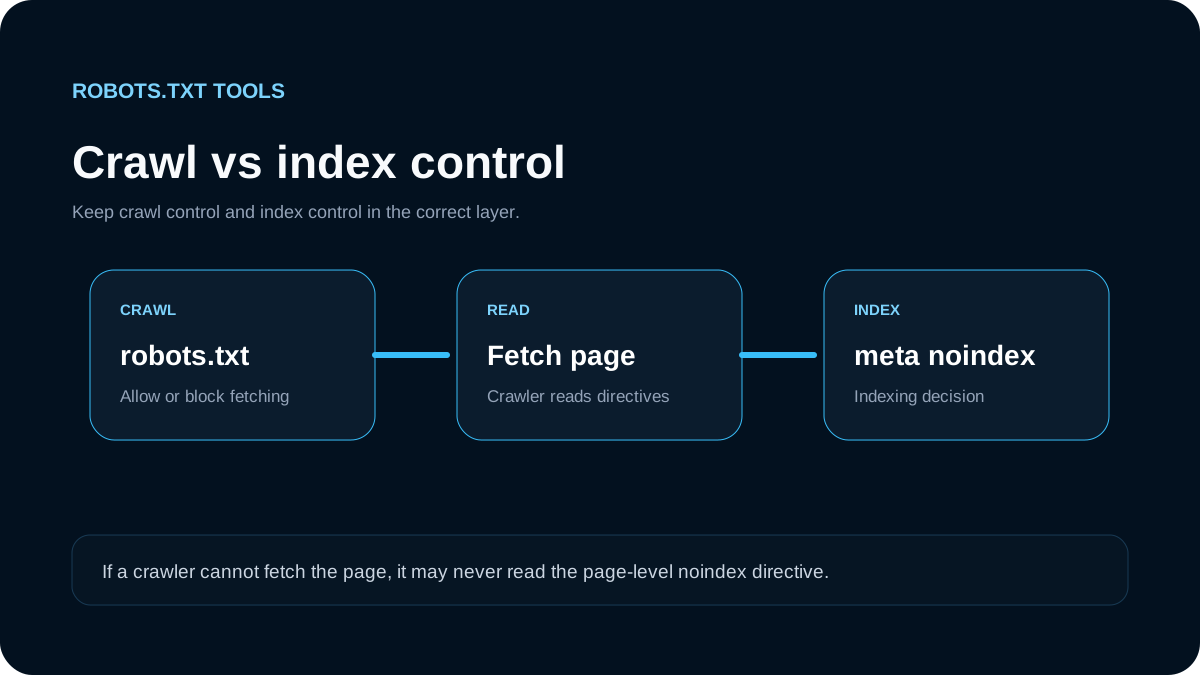
This distinction matters even more for AI search. A robots.txt rule controls crawling. A noindex directive controls whether a page should be indexed or surfaced as an indexed result by systems that support that directive.
OpenAI's current publisher FAQ explicitly notes that if you do not want a disallowed page to surface as a link and title in its search experience, you should use a noindex meta tag. It also notes the practical dependency: the crawler needs to be allowed to crawl the page in order to read the meta tag.
That creates a common configuration mistake:
User-agent: OAI-SearchBot
Disallow: /private-but-public-page/
combined with:
<meta name="robots" content="noindex">
If the crawler cannot fetch the page, it may not see the noindex instruction. For a public page you want excluded from indexing, allowing the crawl while serving noindex is generally the clearer pattern. For truly private information, use authentication instead of either mechanism.
Do not copy a giant AI bot blocklist blindly
Long lists of AI-related user agents are increasingly common, but they have several weaknesses:
- They age quickly. Providers can add or rename crawlers.
- They mix purposes. Search discovery, training, browsing, safety, and user-triggered agents are not necessarily the same thing.
- They are hard to audit. A 50-agent list can hide a rule that blocks a crawler you actually wanted.
- They can create false confidence. robots.txt is advisory, not authentication.
A smaller policy that documents why each specific group exists is easier to maintain. Keep a comment above unusual groups if your team needs operational context:
# Allow OpenAI search discovery
User-agent: OAI-SearchBot
Allow: /

# Separate training preference
User-agent: GPTBot
Disallow: /
Comments are ignored by standards-compliant parsers and can make future reviews safer.
Combine AI rules with your normal path policy
You do not have to choose between crawler-specific rules and normal SEO hygiene. You can still block low-value application paths while allowing useful public content:
User-agent: OAI-SearchBot
Disallow: /account/
Disallow: /cart/
Allow: /

User-agent: GPTBot
Disallow: /

User-agent: *
Disallow: /account/
Disallow: /cart/
Allow: /

Sitemap: https://example.com/sitemap.xml
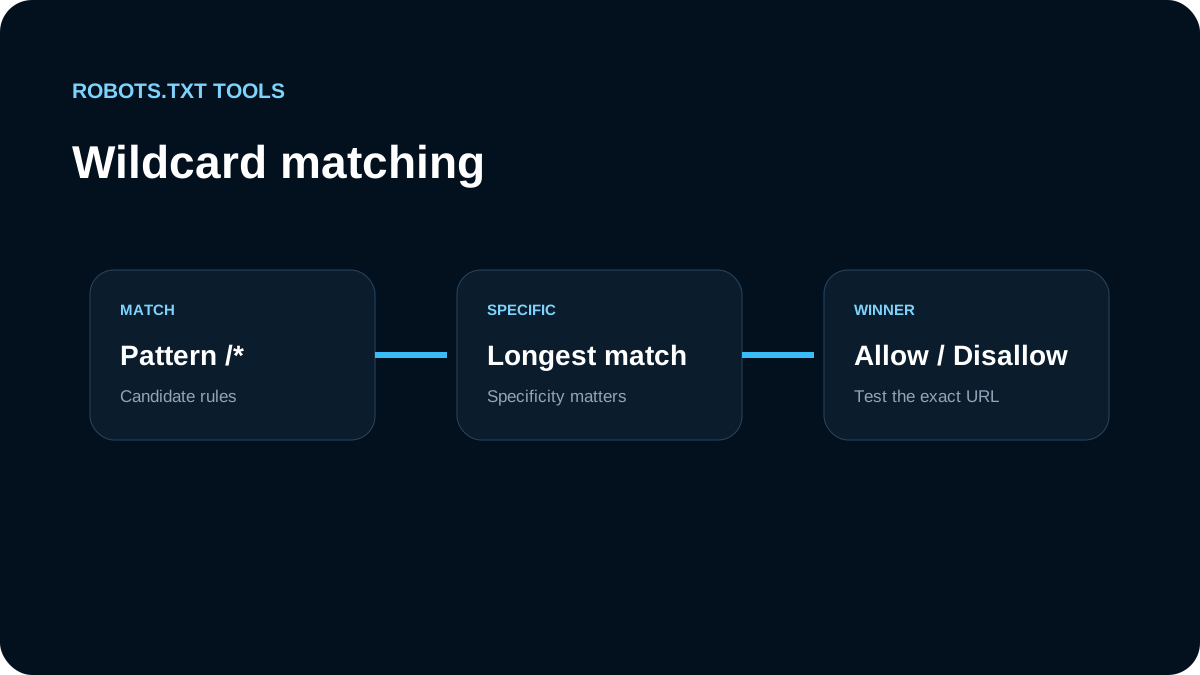
Test this against real URLs rather than reading the file by eye. Matching behavior is based on the most specific applicable rule under RFC 9309, and Google documents similar longest-match behavior for its crawlers. A visually later line is not automatically the winner.
A practical review checklist
Before publishing AI crawler rules, verify all of the following:
- the robots.txt file is served from the correct origin root, such as
https://example.com/robots.txt; - important public pages are not accidentally blocked for your normal search crawlers;
- the AI user agents you reference are copied from current provider documentation;
- search-discovery and training preferences are represented separately when the provider supports separate crawlers;
- pages that require
noindexremain crawlable by the system that must read the directive; - sensitive content is protected with real access controls;
- your sitemap remains reachable and points to canonical public URLs;
- the final rules are validated and tested with representative URLs.
What to monitor after the change
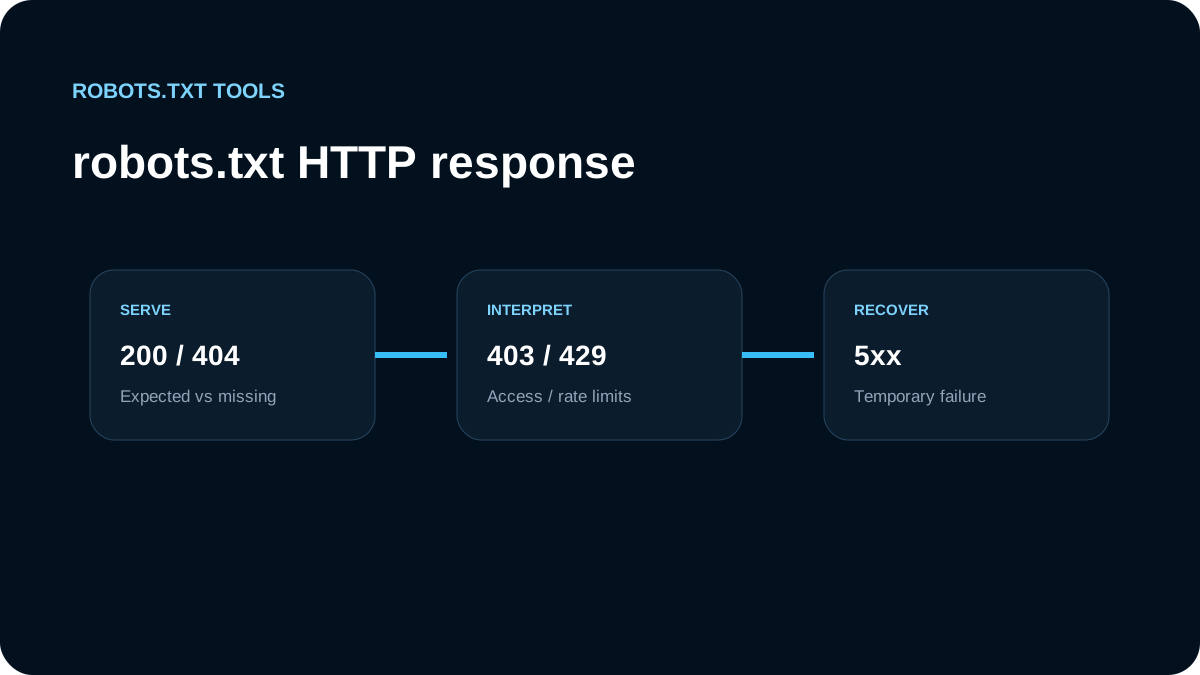
Robots.txt changes are not instant switches. Crawlers cache robots.txt and revisit it on their own schedules. After deployment, check the live file, verify its HTTP status and content type, and watch server logs or analytics for the user agents and referral traffic you care about.
For OpenAI search referrals, the current publisher documentation says ChatGPT referral URLs include utm_source=chatgpt.com, which can help separate this traffic in analytics. That is useful when deciding whether a crawler policy is helping or suppressing discovery.
The safest long-term policy is explicit: decide which crawler purpose you want, write the smallest rule set that expresses it, and review the provider documentation periodically. Robots.txt is a useful crawler-control layer, but it should not be asked to perform indexing control, privacy, and security jobs it was never designed to do.