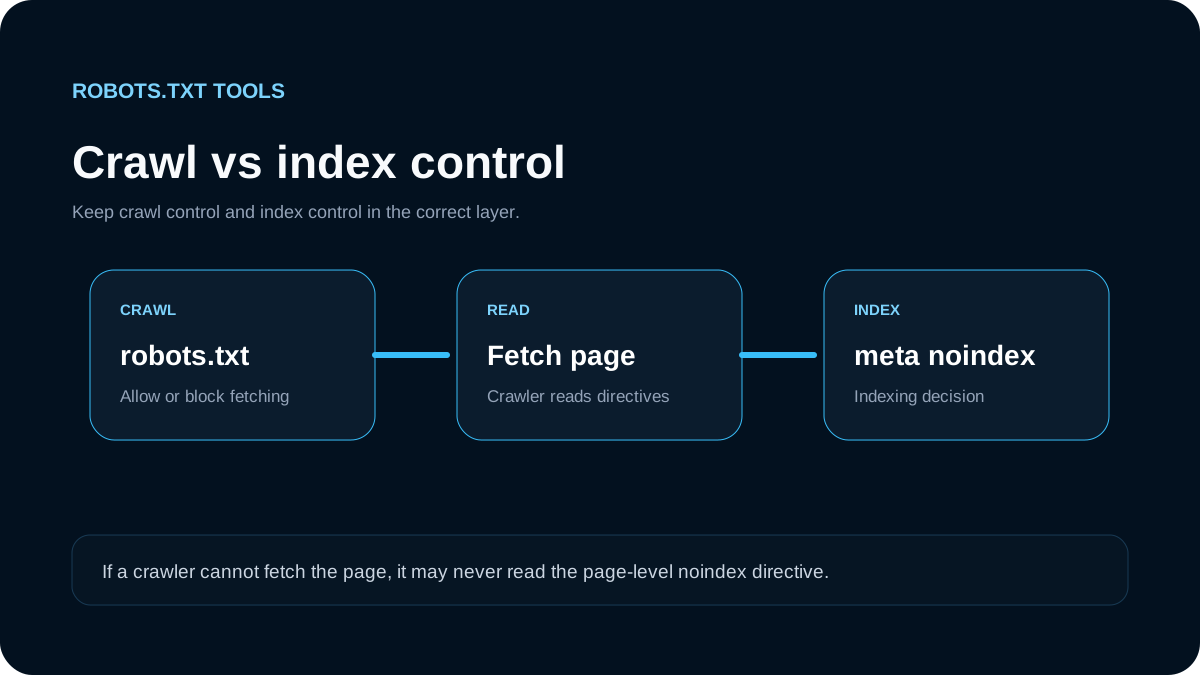
robots.txt and noindex solve different problems. The simplest rule to remember is: robots.txt controls whether a crawler may request a URL; noindex controls whether a supported search system should keep that content out of its index. Mixing the two is a common reason pages remain visible when a site owner expected them to disappear.
Google's current documentation is explicit that robots.txt is not a mechanism for keeping a normal web page out of Google Search. A disallowed URL can still be discovered from links or other sources, and its URL may still appear even when Google does not crawl the page content. To prevent indexing, Google recommends a noindex meta tag or X-Robots-Tag, or real access control for private material.
The core difference
| Control | Main purpose | Where it lives | Must crawler fetch the page? |
|---|---|---|---|
Disallow in robots.txt | Limit crawling | /robots.txt | No; the rule can stop the page request |
<meta name="robots" content="noindex"> | Prevent indexing | HTML <head> | Yes |
X-Robots-Tag: noindex | Prevent indexing, including non-HTML resources | HTTP response header | Yes |
| Authentication | Protect access | Server/application | No public access should be available |
This distinction matters because a crawler cannot read a page-level noindex rule if robots.txt prevents it from fetching the page.
The configuration that often fails
A site owner may try this:
User-agent: *
Disallow: /members-preview/
and also add:
<meta name="robots" content="noindex">
The intention is understandable: block crawling and block indexing. But Google warns that if a page is blocked by robots.txt, Googlebot cannot see the noindex tag. If the URL is discovered elsewhere, it can still appear in search results as a URL-only result.
If the page is public but should not be indexed, the clearer setup is generally:
User-agent: *
Allow: /members-preview/
plus:
<meta name="robots" content="noindex">
The crawler can fetch the page, read noindex, and process the indexing instruction.
When to use robots.txt
Robots.txt is appropriate when the task is crawler traffic management or crawl-path control. Typical examples include low-value faceted URLs, internal search result patterns, duplicate utility paths, or application areas that should not consume crawl resources.
It is also useful for crawler-specific policies. You might allow one crawler and disallow another, or limit a particular crawler to selected paths. But the rule remains a crawl permission signal, not a confidentiality boundary.
A basic example:
User-agent: *
Disallow: /internal-search/
Disallow: /cart/
Allow: /

Sitemap: https://example.com/sitemap.xml
Before blocking a large path, test representative URLs. An overly broad Disallow: / or directory rule can suppress crawling across an entire site section.
When to use noindex
Use noindex when a public URL may be requested but should not appear in search results. Common examples include temporary campaign variants, thin utility pages, account-adjacent public pages, or duplicate pages where canonicalization is not the right solution.
For HTML, use the robots meta tag:
<meta name="robots" content="noindex">
For a PDF or another non-HTML resource, an HTTP response header is often more practical:
X-Robots-Tag: noindex
Google says the meta tag and HTTP header can both be used to prevent indexing when the crawler can access the resource.
What “Indexed, though blocked by robots.txt” means
Search Console may report that a URL is indexed even though robots.txt blocks it. That is not a contradiction. Crawling and indexing are separate systems. A search engine can learn that a URL exists from links, sitemaps, historical crawls, redirects, or other signals without being allowed to fetch its current content.
If the URL genuinely should not appear in search, first determine whether it is safe to let the crawler access it. If it is a public page, remove the robots.txt block, serve noindex, and let the crawler revisit the URL. If the content is private, move the solution to authentication or authorization instead of relying on search directives.
noindex inside robots.txt is not the answer
Old examples on the web sometimes show a line such as:
Noindex: /example/
Google's current documentation says specifying noindex in robots.txt is not supported. Keep robots.txt limited to directives supported by the crawler you are targeting, and use page or response-level indexing controls for noindex.
The same principle applies to AI search discovery
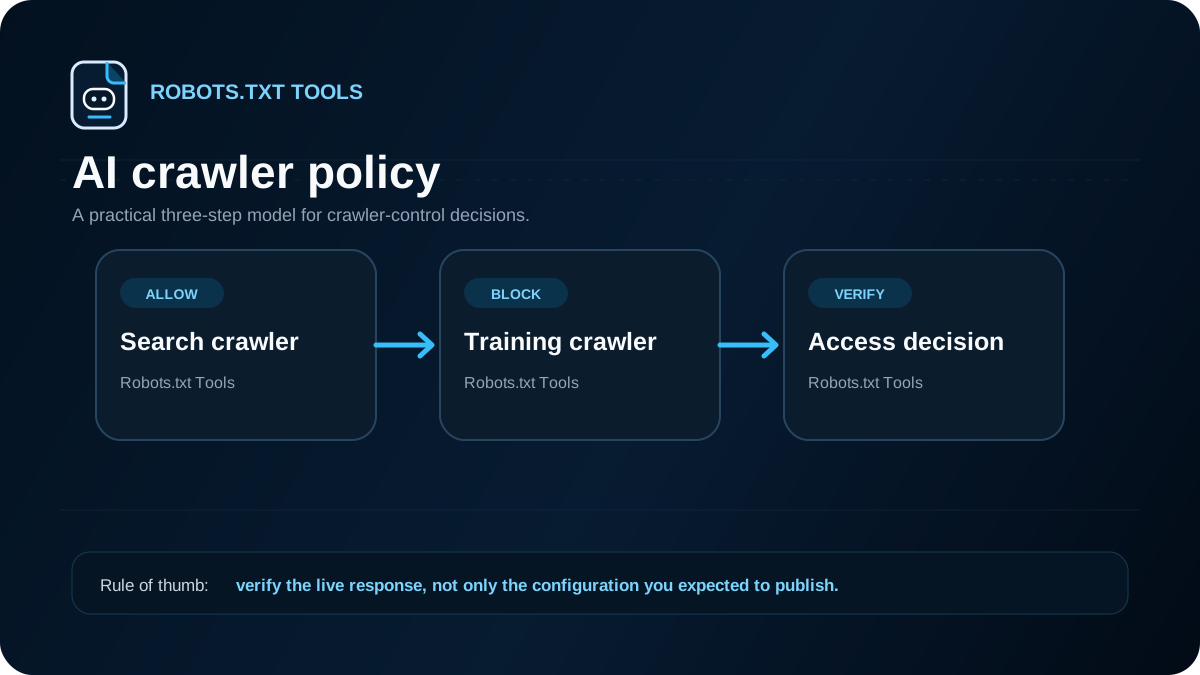
OpenAI's current publisher guidance makes a similar distinction. It says that blocking OAI-SearchBot can affect whether content is available for ChatGPT search summaries and snippets. It also notes that a link and title may still be surfaced in some circumstances when the URL is learned from elsewhere. To avoid that, OpenAI points publishers to noindex and notes that the crawler must be allowed to fetch the page to read the directive.
That is the same architectural lesson: crawl blocking can prevent the very crawler that needs to read an indexing directive.
Which control should you choose?
Use this decision sequence:
- Is the information private or sensitive? Require authentication. Do not depend on robots.txt or
noindex. - Is the page public but it must stay out of search results? Use
noindexand allow the crawler to access it. - Is the page public and indexable, but crawling it wastes resources? Consider robots.txt only after checking that blocking will not interfere with indexing, rendering, or important assets.
- Are you managing one specific crawler? Use a crawler-specific robots.txt group and verify that crawler's current documentation.
- Are you cleaning up duplicate URLs? Consider canonicalization, redirects, or URL architecture before reaching for a crawl block.
Safe deployment checklist
After changing either control, verify the live behavior rather than only the source code:
- fetch
/robots.txtfrom the production hostname; - confirm the affected path is allowed or disallowed as intended;
- inspect the rendered HTML or HTTP headers for
noindex; - make sure no template unexpectedly applies
noindexto canonical pages; - remove stale sitemap entries for URLs that should no longer be indexed when appropriate;
- use your search engine's inspection and robots reporting tools after recrawl;
- allow time for cached robots.txt and indexed URLs to be refreshed.
The important concept is not a particular snippet. It is choosing the correct layer. Robots.txt is a crawl-control file. noindex is an indexing instruction. Authentication is an access-control mechanism. Keeping those responsibilities separate makes SEO behavior much easier to predict and troubleshoot.