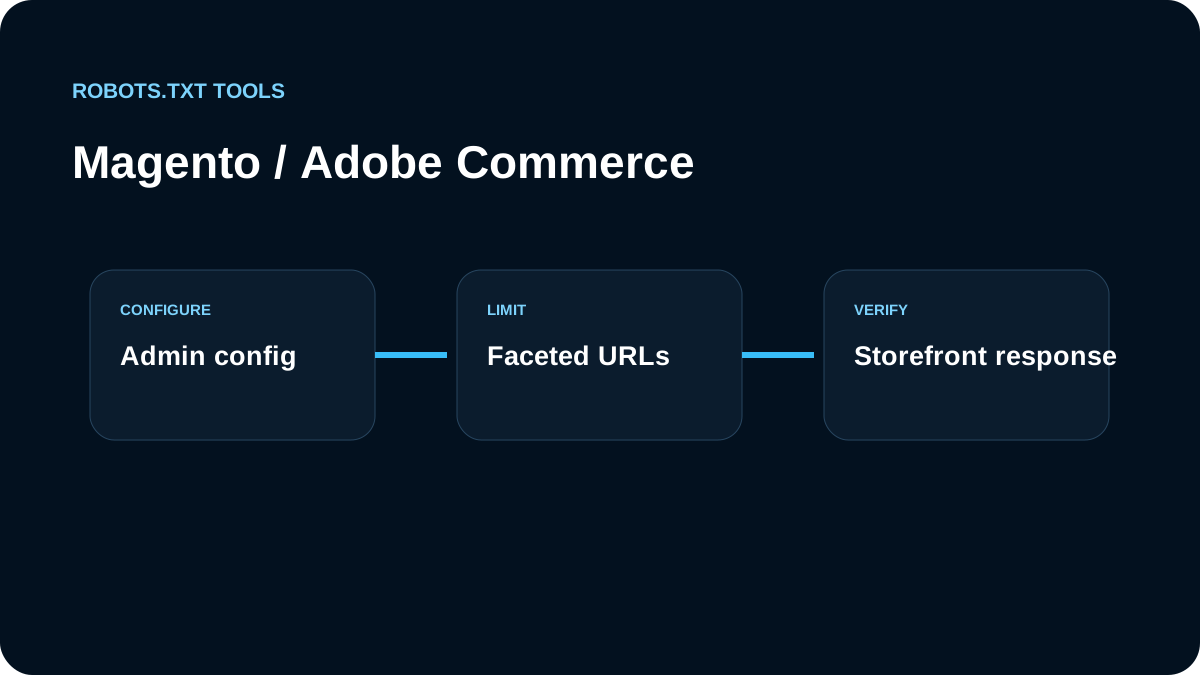
For Magento / Adobe Commerce, we first identify which layer owns the storefront response. Native Commerce, Cloud infrastructure, a reverse proxy, and a headless/PWA frontend can place robots.txt responsibility in different systems.
We start in Content → Design → Configuration
Adobe Commerce exposes Search Engine Robots settings under Content → Design → Configuration. We review the configuration for the relevant store view and confirm what the public /robots.txt actually serves.
Default Robots is not the same as the raw crawl file
The Default Robots setting controls page-level robot behavior such as index/follow defaults. We do not confuse that with custom robots.txt crawl rules. Indexing directives and crawler access are different layers.
We preserve platform-critical paths deliberately
Ecommerce sites have carts, customer areas, layered navigation, search, media, APIs, and generated routes. We do not paste a generic Magento blocklist. We map the real storefront URLs, decide which ones have search value, and test the exact patterns.
Cloud environments need environment-aware indexing controls
Adobe Commerce Cloud adds deployment and environment considerations. Staging or integration environments should use real access controls where possible and should not inherit a production crawl/index policy accidentally. Sitemap paths and generated files also need to match the environment that search engines can reach.
Headless and PWA architectures change ownership
If Magento is the commerce backend but a PWA or headless frontend serves the public hostname, the frontend/CDN may own /robots.txt. Editing the Commerce Admin setting is not enough unless that setting actually controls the public response. We verify the origin and delivery chain before changing rules.
Adobe Commerce Cloud adds concrete deployment constraints
Adobe's current Cloud documentation says robots.txt content is generated on demand and stored in configuration rather than requiring a physical file. For Cloud projects, sitemap generation also has filesystem constraints: the Admin workflow uses a writable media path rather than assuming the project root is writable.
That changes our troubleshooting order. If /robots.txt is wrong, we first determine whether Commerce, Fastly/CDN configuration, PWA routing, or another storefront layer owns the response. Creating a repository-level text file can be irrelevant when the platform is dynamically serving the crawler policy.
Production indexing controls are environment-specific
Adobe's Cloud guidance separates production from lower environments. Search-engine indexing can be enabled for production, while lower environments are intentionally treated differently. We therefore audit environment controls alongside robots.txt instead of copying one file across integration, staging, and production.
For a release we verify:
- production is not accidentally left in a "hide from search" state;
- non-production environments are not publicly indexable simply because they share content;
- the live robots response matches the selected Commerce configuration;
- sitemap locations resolve from the crawler-facing hostname;
- a headless storefront does not bypass the Commerce-managed response.
Native storefront advice does not automatically fit headless builds
Adobe's 2026 crawler best-practices documentation explicitly notes that its native-storefront recommendations do not apply unchanged to other storefront solutions such as headless implementations. That is why we do not copy the default Magento exclusions into a PWA without mapping the PWA's actual URLs first.
A headless frontend may have different cart, account, filter, and search routes, while Commerce remains only the backend. In that case, the public frontend/CDN policy wins.
We test faceted ecommerce URLs
Magento stores can generate large numbers of filter and parameter combinations. Before blocking them, we decide which facets deserve indexing, which should canonicalize, and which are pure crawl expansion. Our query-parameter guide covers that decision.
We audit store views and multi-site ownership separately
Adobe Commerce installations can serve multiple websites, stores, and store views. We do not assume one robots decision is appropriate everywhere. A regional storefront, B2B portal, or alternate domain can expose different URL structures and may be served through a different edge or storefront layer.
For each public hostname, we record which Commerce configuration or frontend deployment owns the response, which sitemap belongs to it, and whether search-engine indexing is intentionally enabled. This is especially important during phased migrations where a native Commerce storefront and a headless storefront coexist for a period of time.
Our Adobe Commerce checklist
- identify the public storefront architecture;
- review Content → Design → Configuration → Search Engine Robots;
- distinguish Default Robots from robots.txt crawl rules;
- inspect Cloud environment/indexing settings where applicable;
- verify sitemap references and canonical hostnames;
- test filters, search, cart, account, and other representative URLs;
- confirm whether PWA/headless/CDN owns the public response;
- validate and inspect production with the robots.txt checker.
The key is ownership: we configure the layer that actually serves the public robots.txt response, then verify ecommerce-specific crawl decisions with real URLs rather than relying on a generic platform template.