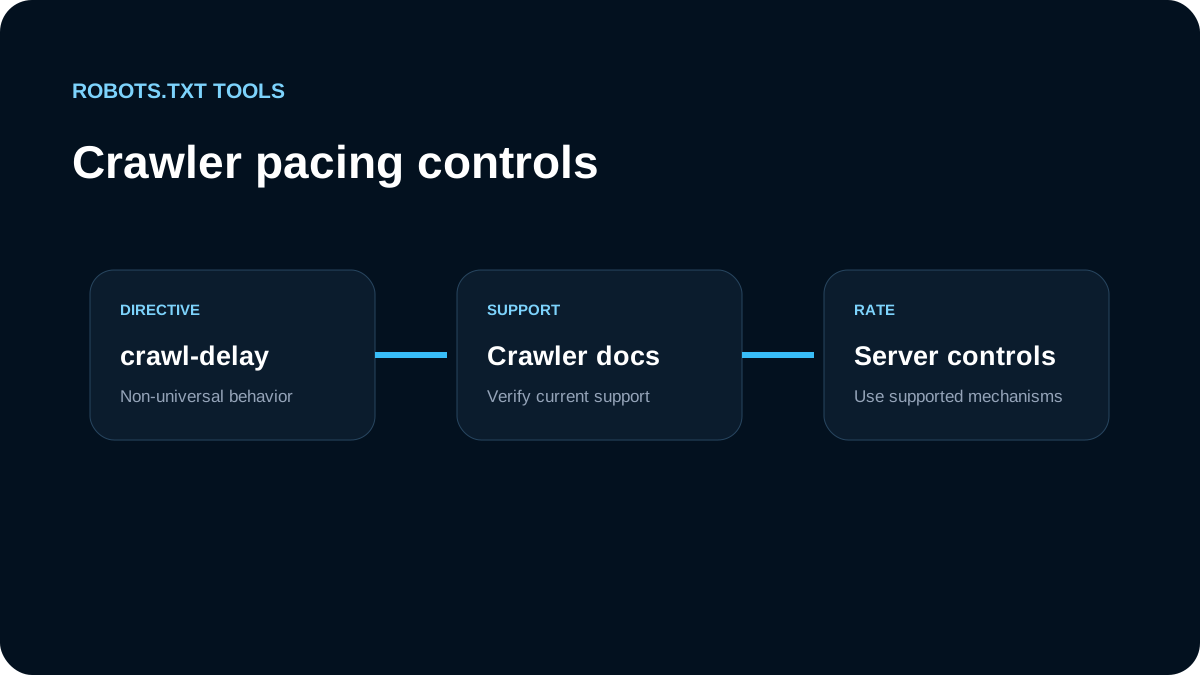
Crawl-delay is one of the most copied robots.txt directives and one of the easiest to misunderstand. The key fact for Google SEO is straightforward: Google's current robots.txt documentation says Google does not support crawl-delay. Adding the directive therefore does not instruct Googlebot to wait a fixed number of seconds between requests.
That does not mean every crawler ignores it. Different crawler operators can implement extensions beyond the standardized Robots Exclusion Protocol. The practical rule is to check the documentation for the exact crawler you are trying to control rather than assuming a single Crawl-delay line works everywhere.
What a crawl-delay rule looks like
You may see examples like this:
User-agent: ExampleBot
Crawl-delay: 10
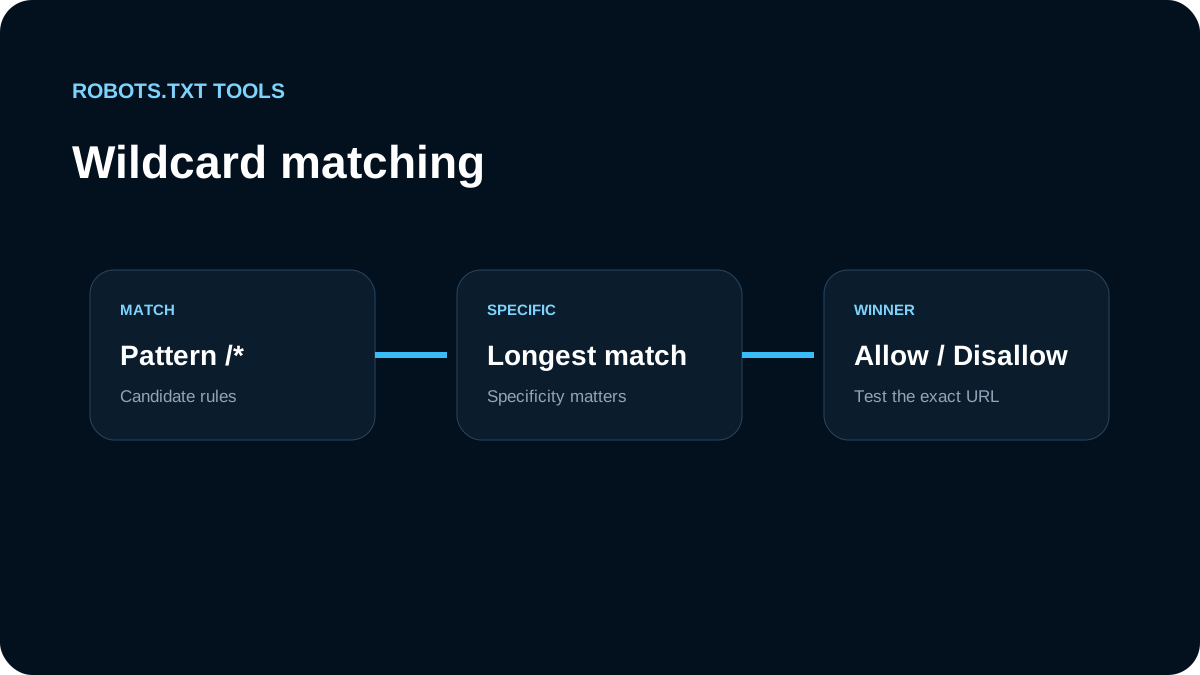
The intended meaning is usually “wait roughly 10 seconds between requests.” But robots.txt extensions are crawler-specific. RFC 9309 standardizes the core Robots Exclusion Protocol around user-agent groups and allow/disallow matching; it does not turn every historical robots.txt field into a universally supported directive.
For Google, the supported fields documented for robots.txt include user-agent, allow, disallow, and sitemap. Google explicitly lists fields such as crawl-delay as unsupported.
Why adding Crawl-delay can create false confidence
A crawl-delay line looks authoritative, so teams sometimes add it during a traffic spike and assume the crawler is now throttled. That can delay the real investigation.
If the targeted crawler ignores the directive, nothing changes. Meanwhile, the actual cause might be:
- a sudden increase in newly discoverable URLs;
- faceted navigation creating large crawl spaces;
- duplicate calendar, filter, or search URLs;
- repeated
5xxresponses causing retries; - a bot that does not follow robots.txt at all;
- a crawler other than the one named in the rule;
- application latency that makes normal crawl volume feel excessive.
Start with logs. Identify the user agent, request rate, paths, response codes, and whether the source behaves like the crawler it claims to be.
Do not use 401 or 403 as a crawl-rate control for Google
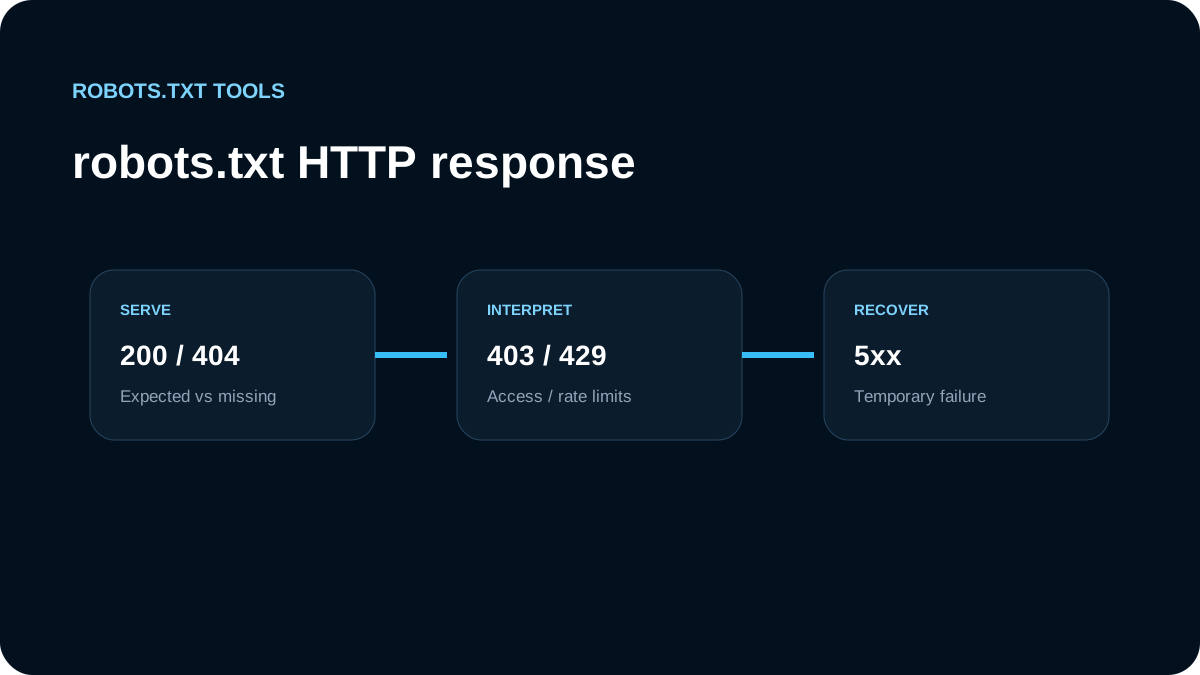
Blocking the robots.txt request itself is especially risky. Google's current robots.txt specification says most 4xx responses for /robots.txt—including 401 and 403, except 429—are treated as if a valid robots.txt file does not exist. In that situation Google assumes there are no crawl restrictions.
So this is not a good throttling strategy:
HTTP/1.1 403 Forbidden
for /robots.txt.
If your intention was “slow Google down,” you may instead remove the restrictions Google would otherwise have read from the file.
What about 429 and 5xx responses?
Google treats 429 and server errors differently from ordinary 4xx responses. These signals can cause Google to reduce crawling because they indicate the server is overloaded or unavailable. But deliberately returning errors is not a clean replacement for capacity planning or crawl-space control.
A better sequence is:
- fix accidental URL explosions;
- make duplicate and low-value paths harder to discover where appropriate;
- use valid robots.txt rules to block crawl paths that truly should not be fetched;
- improve server caching and capacity;
- use crawler-specific controls documented by the operator when available;
- reserve overload responses for genuine overload conditions.
Use Disallow when the problem is unnecessary paths
If crawler load comes from areas that do not need to be crawled, a normal robots.txt rule is often more useful than a delay:
User-agent: *
Disallow: /internal-search/
Disallow: /cart/
Disallow: /session/

Sitemap: https://example.com/sitemap.xml
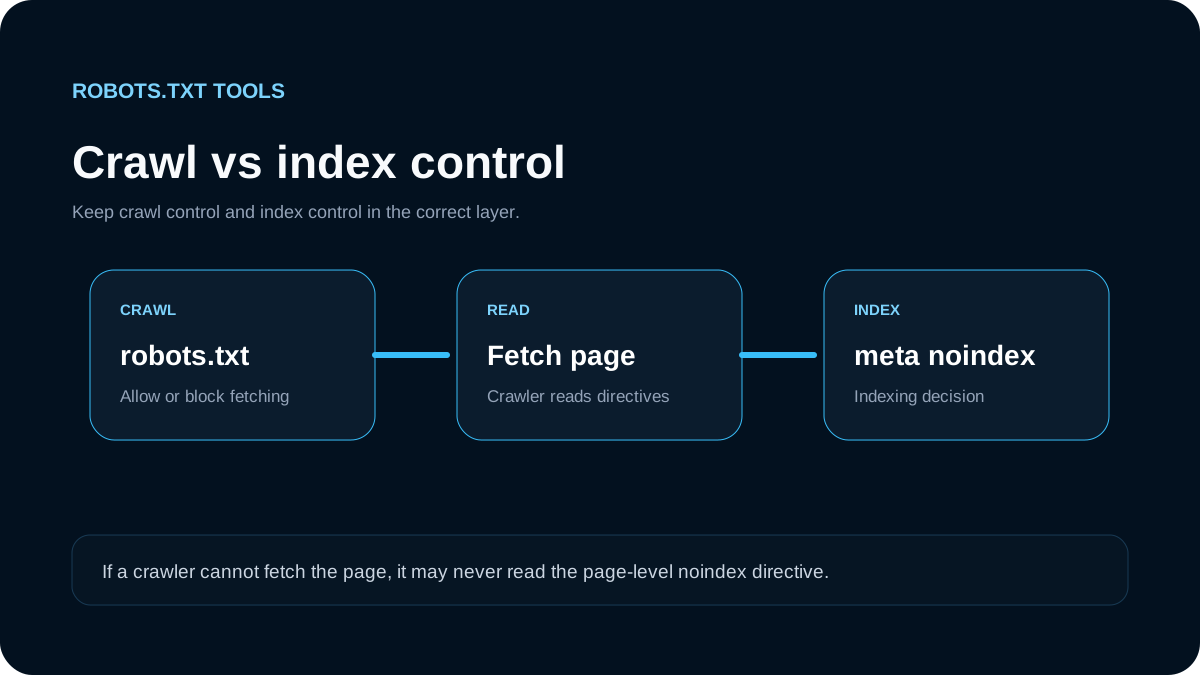
This reduces requests to the blocked path rather than spacing them out. However, only block paths after considering indexing consequences. A disallowed HTML URL can still be discovered and may still appear as a URL-only result, so robots.txt should not be used as a substitute for noindex when the real goal is deindexing.
Use crawler-specific groups deliberately
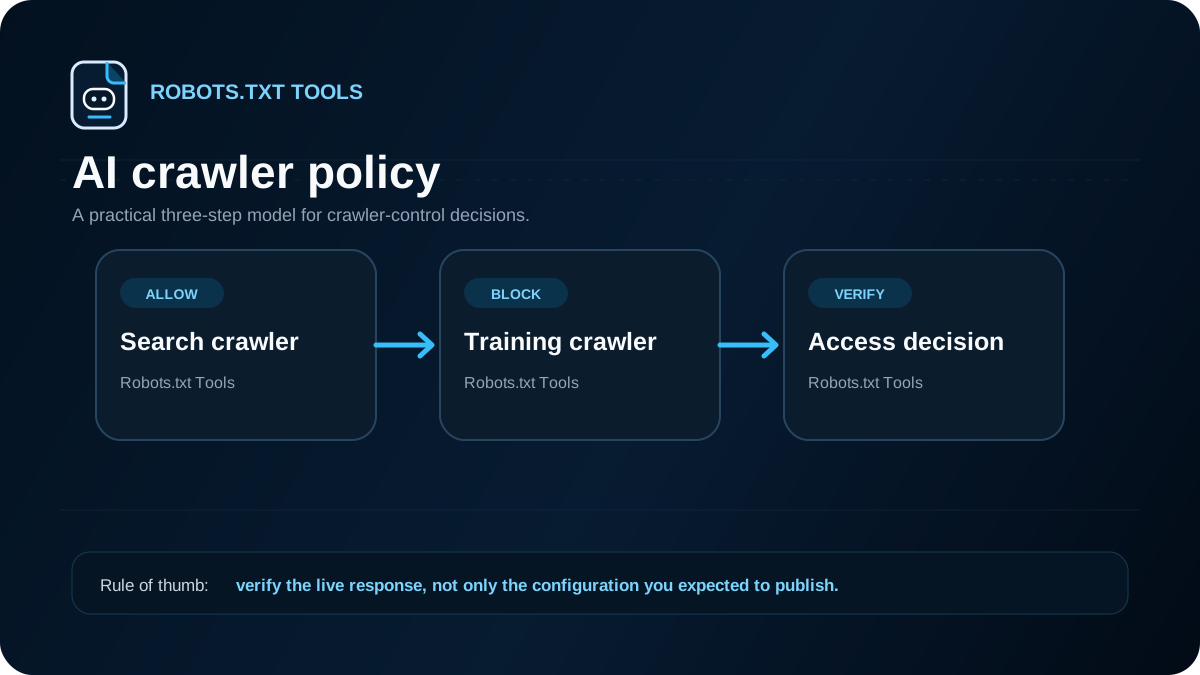
If a non-Google crawler documents support for Crawl-delay, isolate that policy in its own user-agent group rather than placing an unsupported field under User-agent: * and assuming all crawlers interpret it the same way.
Conceptually:
User-agent: ExampleBot
Crawl-delay: 10
Disallow: /expensive-path/

User-agent: *
Disallow: /expensive-path/
Then validate behavior using server logs. The robots.txt file expresses the requested policy, but the log data tells you whether that crawler actually follows it.
Crawl-delay and large sites
On large ecommerce, marketplace, or publishing sites, the more important SEO issue is usually not a fixed delay between requests. It is crawl efficiency: can crawlers reach important canonical pages without spending most of their time on duplicate or low-value URL combinations?
Review patterns such as:
- sort and filter query parameters;
- infinite calendar URLs;
- internal search result pages;
- session IDs and tracking parameters;
- duplicate print or preview routes;
- paginated combinations with little unique value;
- API or application paths linked from public HTML.
Robots.txt can help with some of these, but URL architecture, canonicalization, internal linking, and server behavior are just as important.
A safer troubleshooting workflow
When someone asks to “add crawl-delay,” use this checklist first:
- identify the exact crawler in access logs;
- verify that the crawler operator documents support for the directive;
- measure request volume and the most requested paths;
- check whether duplicate URLs are causing the crawl spike;
- inspect
/robots.txtstatus, size, encoding, and current groups; - confirm important pages and assets are not being blocked;
- check for
429and5xxpatterns that indicate genuine capacity trouble; - test changes with representative URLs before deployment;
- monitor logs after release rather than assuming the directive worked.
For Googlebot specifically, the conclusion is simple: do not depend on Crawl-delay in robots.txt. Use supported robots.txt rules for crawl-path control, fix crawl traps and server problems, and follow Google's current crawler-management guidance when you need to address sustained crawl load.