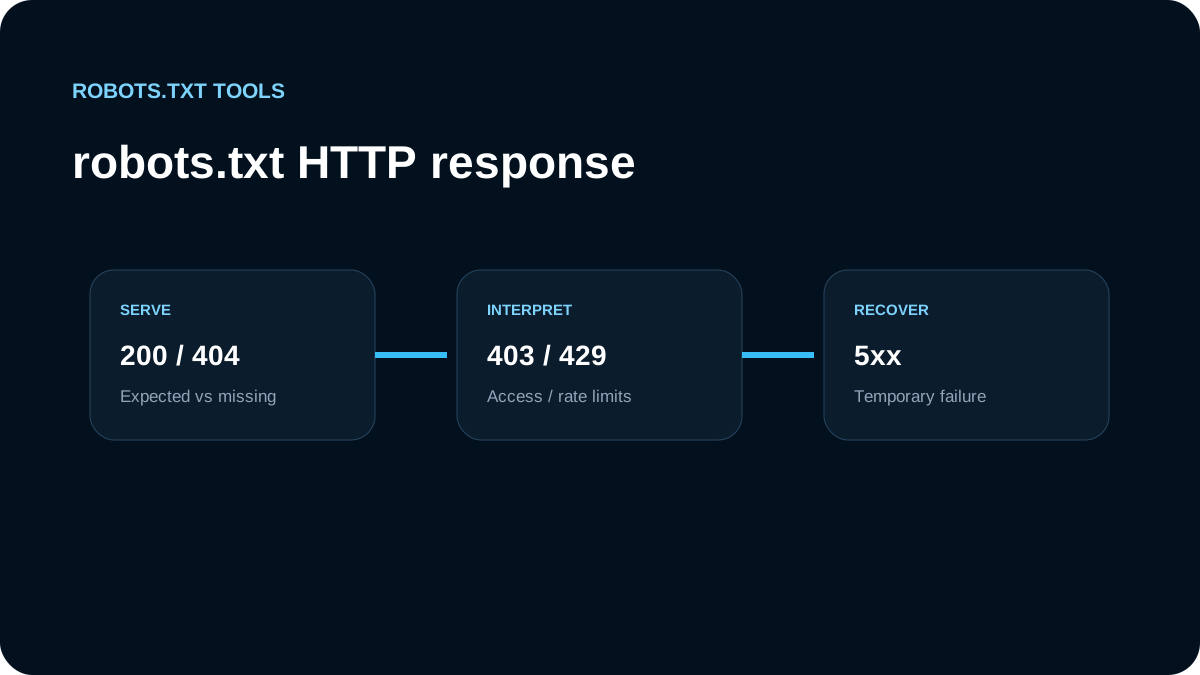
The HTTP response for /robots.txt is part of the crawler policy. A perfectly written set of rules is useless if the file is returning the wrong status code, redirecting unexpectedly, or failing during deployment.
Google documents distinct behavior for successful responses, redirects, ordinary 4xx responses, 429, and 5xx failures. That makes status-code checks one of the first things to inspect when a robots.txt change appears to be ignored.
Quick reference
| Response | Google robots.txt behavior |
|---|---|
2xx | Processes the robots.txt content returned by the server |
3xx | Follows redirects up to a limit; an unresolved chain can be treated like a missing file |
Most 4xx except 429 | Treats the site as if no valid robots.txt restrictions exist |
429 | Treated as a server-overload signal rather than a normal missing-file response |
5xx | Temporarily stops or reduces crawling and retries; cached rules can continue to matter |
| DNS/network failures | Treated similarly to server errors |
The details matter, especially for 403 and 5xx responses.
200: the normal case
A normal robots.txt endpoint should return a successful response with plain text content:
HTTP/1.1 200 OK
Content-Type: text/plain; charset=utf-8
followed by rules such as:
User-agent: *
Disallow: /internal-search/
Sitemap: https://example.com/sitemap.xml
Google documents UTF-8 as the expected encoding and enforces a 500 KiB file-size limit. Content beyond that limit is ignored, so a 200 response alone does not guarantee the entire file is usable.
404: usually means “no crawl restrictions” for Google
A missing robots.txt file is not the same as blocking all crawling. Google's current documentation says ordinary 4xx responses, except 429, are treated as if a valid robots.txt file does not exist. That means Google assumes there are no robots.txt crawl restrictions.
A 404 is therefore acceptable when your site intentionally has no robots.txt restrictions, although serving a small explicit file can make the policy easier for operators to inspect.
Do not expect this:
HTTP/1.1 404 Not Found
to protect a staging site or private path. It does the opposite of a blanket robots block for Google.
403 and 401 do not mean “crawler denied” in the way many teams expect
It is tempting to protect /robots.txt itself with authentication or a firewall response:
HTTP/1.1 403 Forbidden
Google specifically warns not to use 401 or 403 to limit crawl rate. For robots.txt, these ordinary 4xx responses are interpreted like the absence of a valid robots file, so the crawler can proceed without the intended restrictions.
If your CDN or WAF accidentally blocks Google from fetching /robots.txt, the result can therefore differ sharply from the policy written in your repository.
429 is different
429 Too Many Requests is treated as a server-overload signal. Google groups it with server-error behavior rather than ordinary 4xx handling.
That makes sense operationally: 429 says the service is temporarily overloaded or rate-limited, not that the robots file permanently does not exist.
Do not deliberately use 429 as a routine robots.txt configuration technique. It is an operational response for overload or rate limits and can reduce crawling more broadly than a path rule would.
5xx can temporarily stop crawling
Google's current robots.txt documentation describes a staged response to server errors. When it finds a robots.txt file but cannot fetch it because of a 5xx response, Google initially stops crawling while retrying the file. If the problem continues, Google may use the last known good robots.txt for a period while continuing to retry.
This means a broken /robots.txt deployment can affect more than one request. A cached older policy may remain in effect, or crawling may slow while Google waits for a usable file.
Operationally, investigate 500, 502, and 503 responses quickly. They can be caused by application routing, edge functions, upstream outages, malformed rewrites, or a deployment that accidentally turned a static robots file into a failing dynamic endpoint.
Redirects need to terminate cleanly
A robots.txt request can redirect, but redirect chains should be short and stable. Google documents following at least five redirect hops before giving up and treating the situation like a missing robots file.
Common problems include:
- HTTP to HTTPS redirect loops;
wwwto apex and apex towwwloops;- locale middleware redirecting
/robots.txtto a language path; - authentication middleware sending crawlers to a login page;
- a CDN rewrite returning HTML instead of plain text.
Your preferred setup is usually a direct 200 response at the exact root URL for each origin that needs a robots policy.
Network and DNS failures also matter
A crawler may fail before it receives any HTTP status. Google treats DNS failures, timeouts, connection resets, interrupted transfers, and some invalid responses similarly to server errors for robots.txt handling.
That is why a robots checker should report both HTTP status and fetch-level failures. “No content returned” is not enough information to diagnose the policy.
Test the response, not just the browser display
A browser can make an endpoint look healthy even when crawler-relevant details are wrong. Inspect at least:
- final URL after redirects;
- HTTP status;
Content-Type;- response size;
- encoding;
- cache headers;
- whether a WAF changes behavior by user agent;
- whether the body is actual robots.txt text or an HTML error page.
A simple production check should fetch:
https://example.com/robots.txt
from outside your authenticated session. Then test important rules against representative URLs.
Deployment scenarios to watch
Static site moved behind middleware
A framework migration can accidentally route /robots.txt through localization or authentication middleware. Exclude the robots endpoint from those redirects unless the architecture intentionally serves origin-specific rules.
CDN returns a branded error page with 200
A 200 response that contains HTML can still be a broken robots endpoint. Google says it may attempt to parse received content and ignore invalid lines, which is not the same as receiving your intended rules.
Temporary outage leaves an old policy cached
Because robots.txt can be cached, fixing the server does not guarantee every crawler immediately uses the new version. Verify the endpoint and allow time for refresh.
Recommended troubleshooting order
When robots.txt behavior seems wrong:
- fetch the live root
/robots.txt; - record the final URL and HTTP status;
- inspect redirects and CDN/WAF behavior;
- confirm UTF-8 plain-text content and reasonable file size;
- validate the syntax;
- test representative URLs for the intended crawler;
- inspect server logs for fetch attempts and failures;
- check whether an older robots policy may still be cached;
- monitor after the fix rather than assuming an immediate crawler refresh.
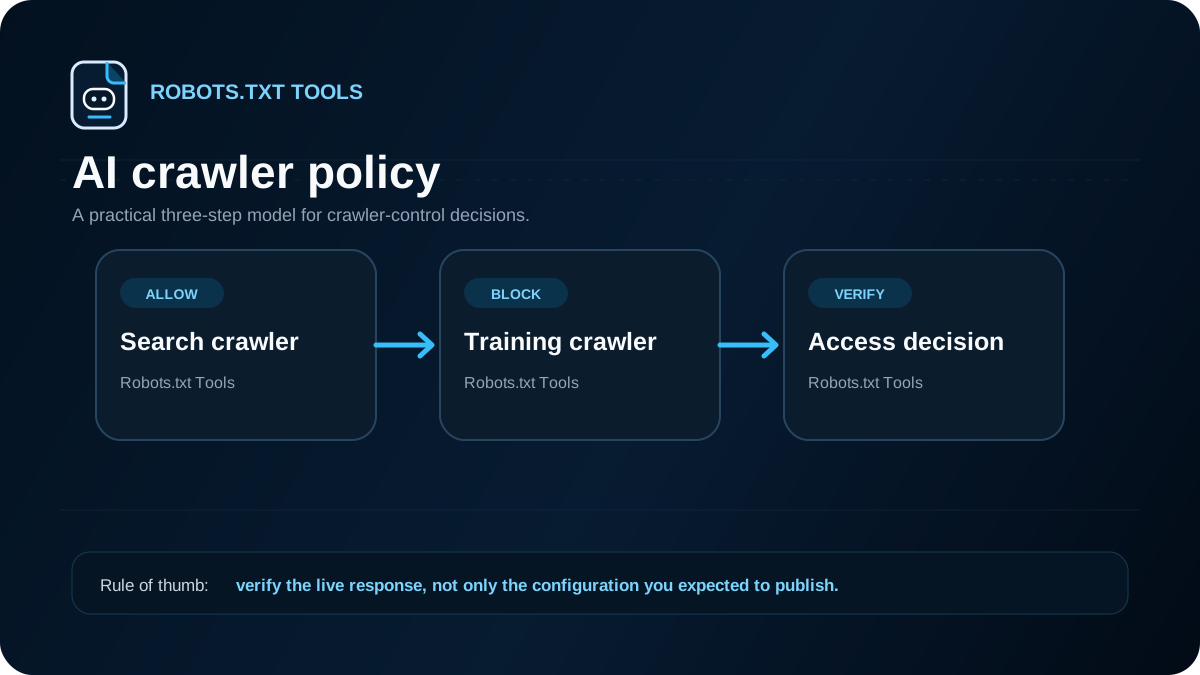
The important takeaway is that HTTP delivery is part of robots.txt correctness. A valid file returning the wrong status can have completely different crawl consequences from the same rules served successfully.